AI home planner

Your powerful home planner.
Now with AI.

Groceries, chores, pets, gatherings, meals and the monthly budget — one shared app for the whole household.
How it works →
6Sections in one app
5Households with Pro
AIMeals, recipes, photo
Home Home
List List
Meals Meals
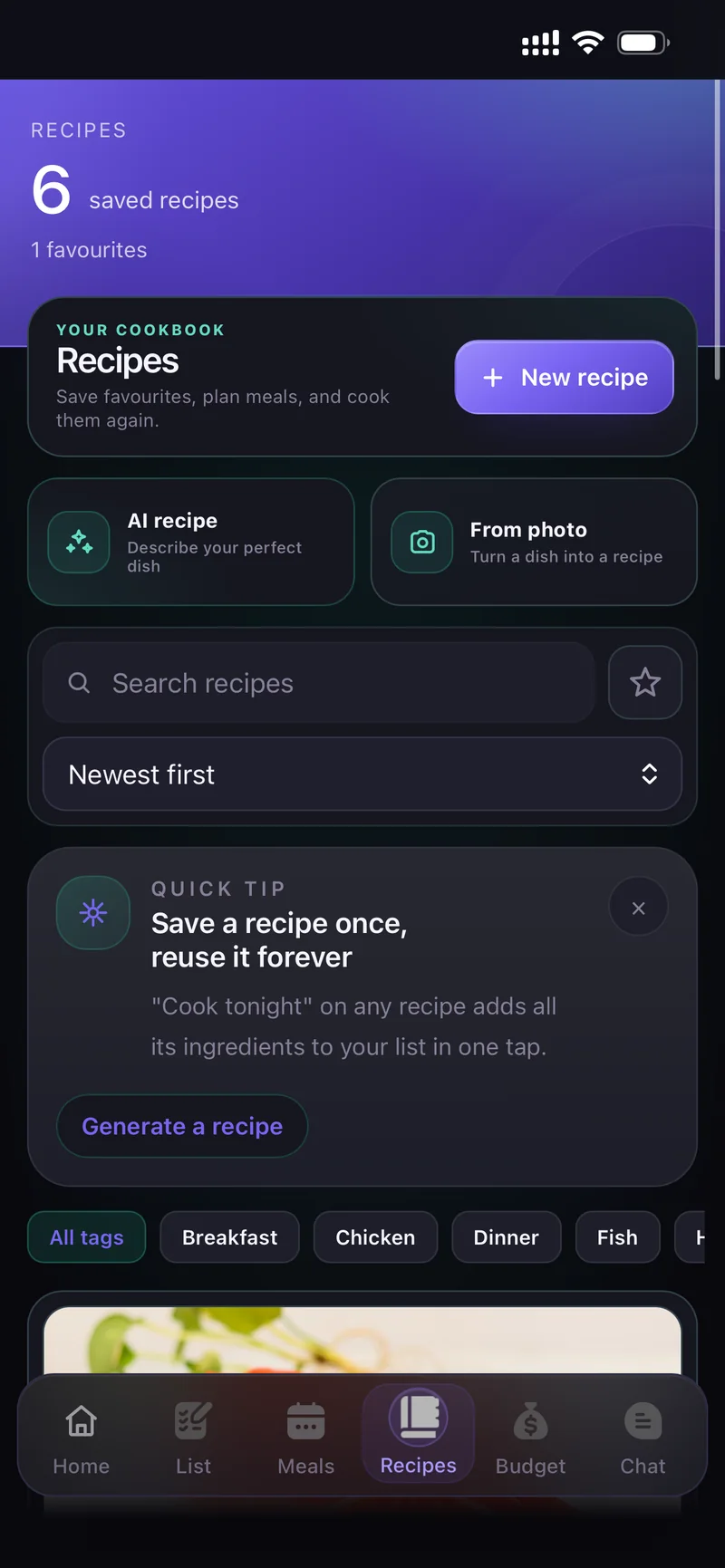
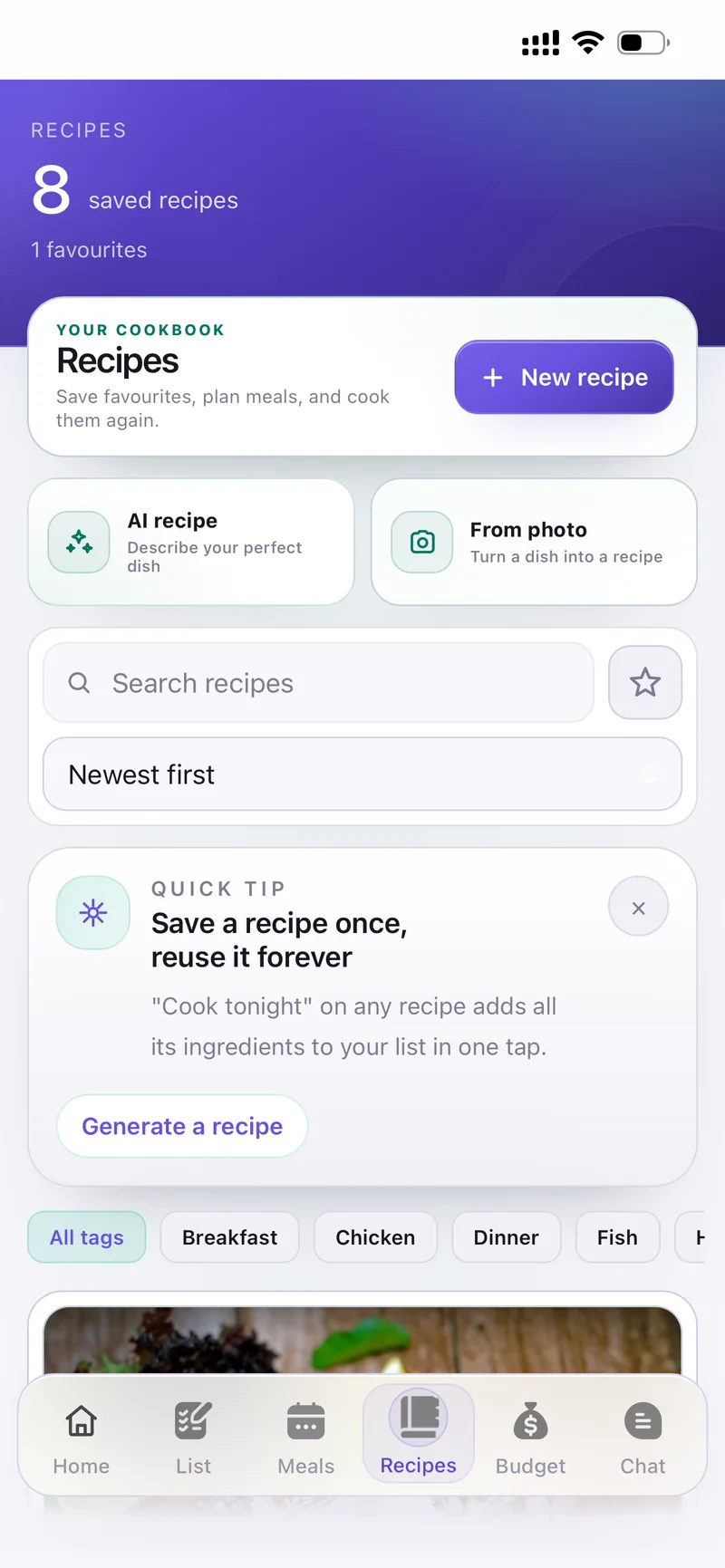
Recipes Recipes
Budget Budget
Chat Chat

Tap the tab bar to explore the appSwipe, or tap the tab bar

How it works

The home runs on a hundred small decisions

What's for dinner, who buys the milk, whose turn is the bins, did anyone feed the cat, where did the money go. CartWhiz keeps all of it in one shared place — so it stops living in someone's head.

1

Set up your household

Create one and share the invite code, or join with a code you were given. Everyone then sees the same list, plan and budget — live, on their own phone.

2

Plan the week in a few taps

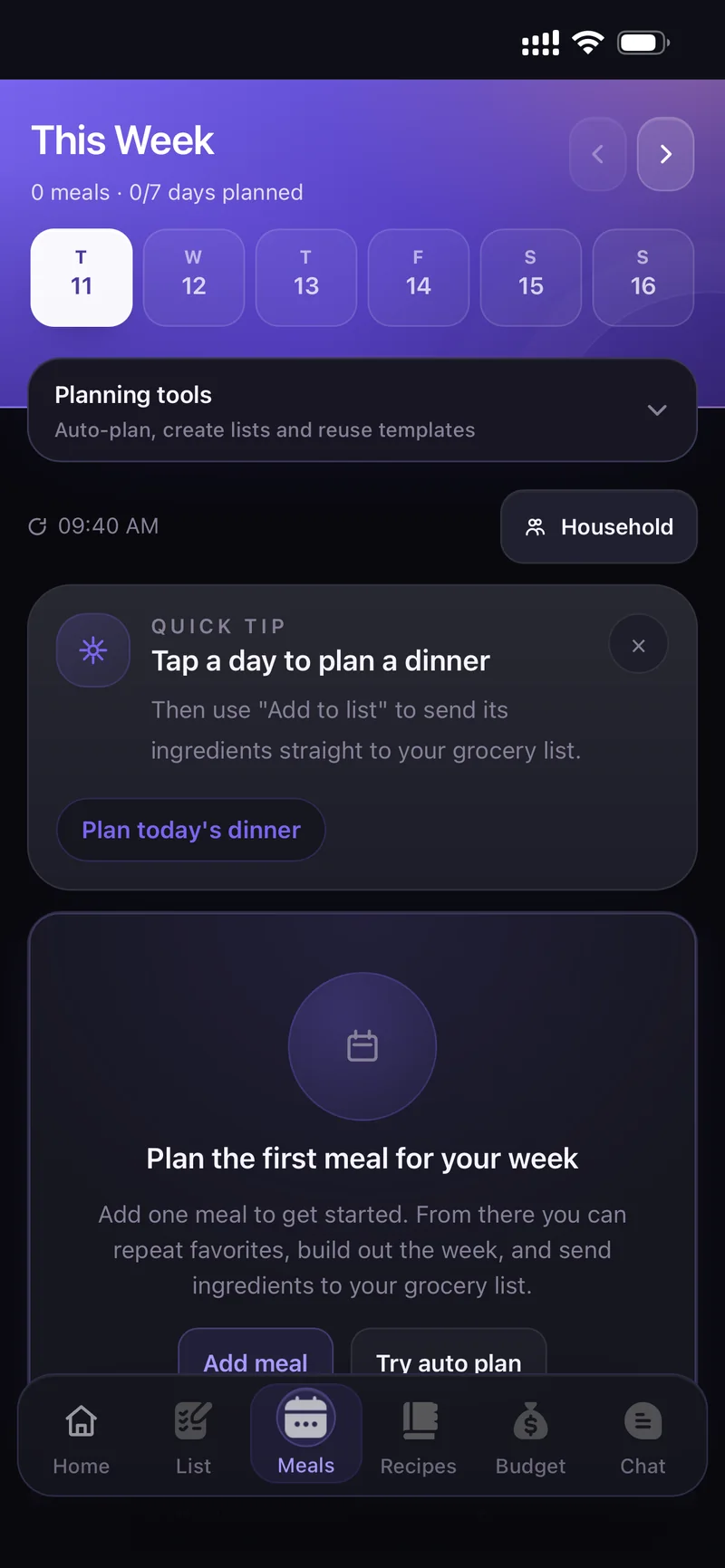
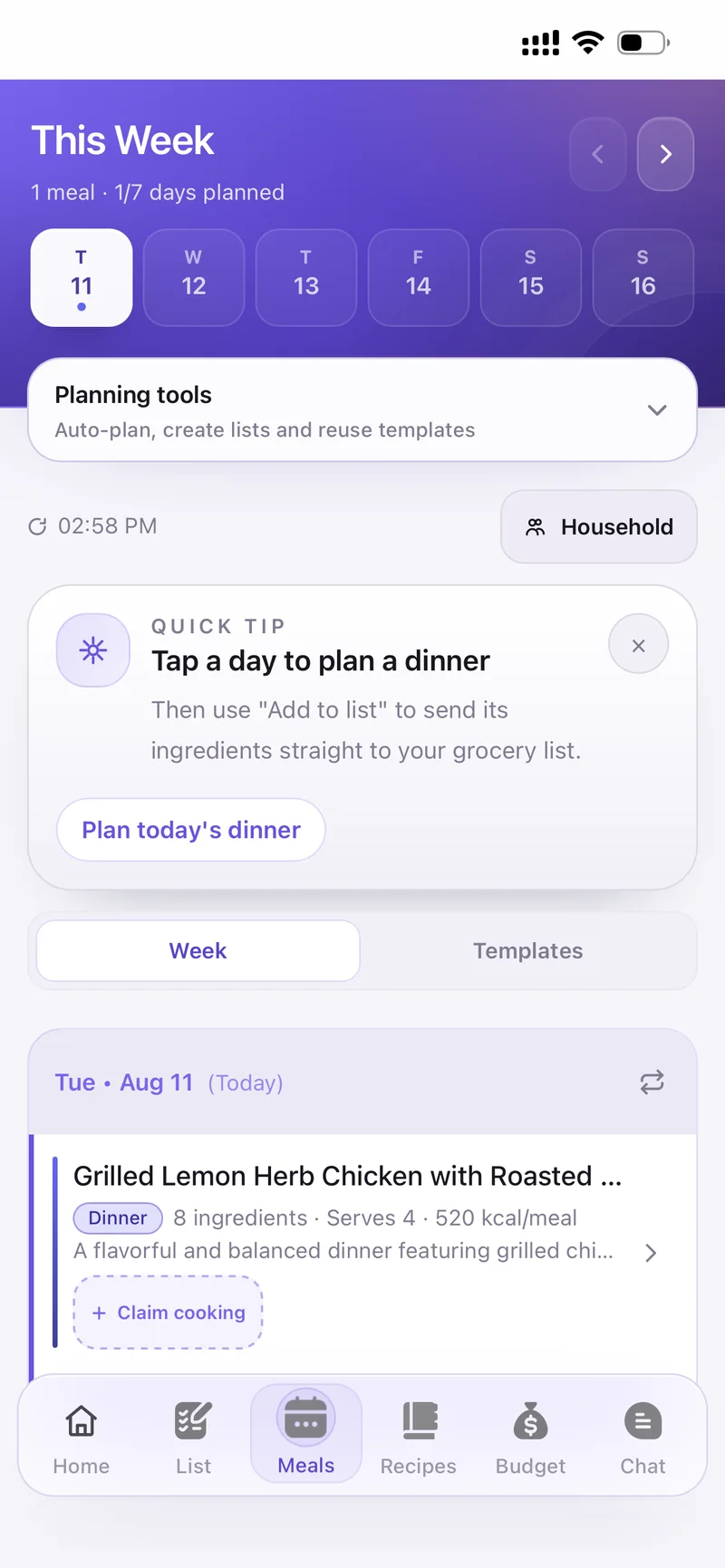
Add meals yourself, or let Plan Meals ✨ build the week around your budget, diet and cooking time. The ingredients go straight to the grocery list, deduplicated.

3

Shop and cook together

Tick items off as you shop and everyone sees it instantly — no duplicate milk. When it's time to cook, cook mode walks you through the steps with a timer.

4

Watch the month add up

Log what you spend as you go. The budget ring shows where the money actually went, per category, for the whole household.
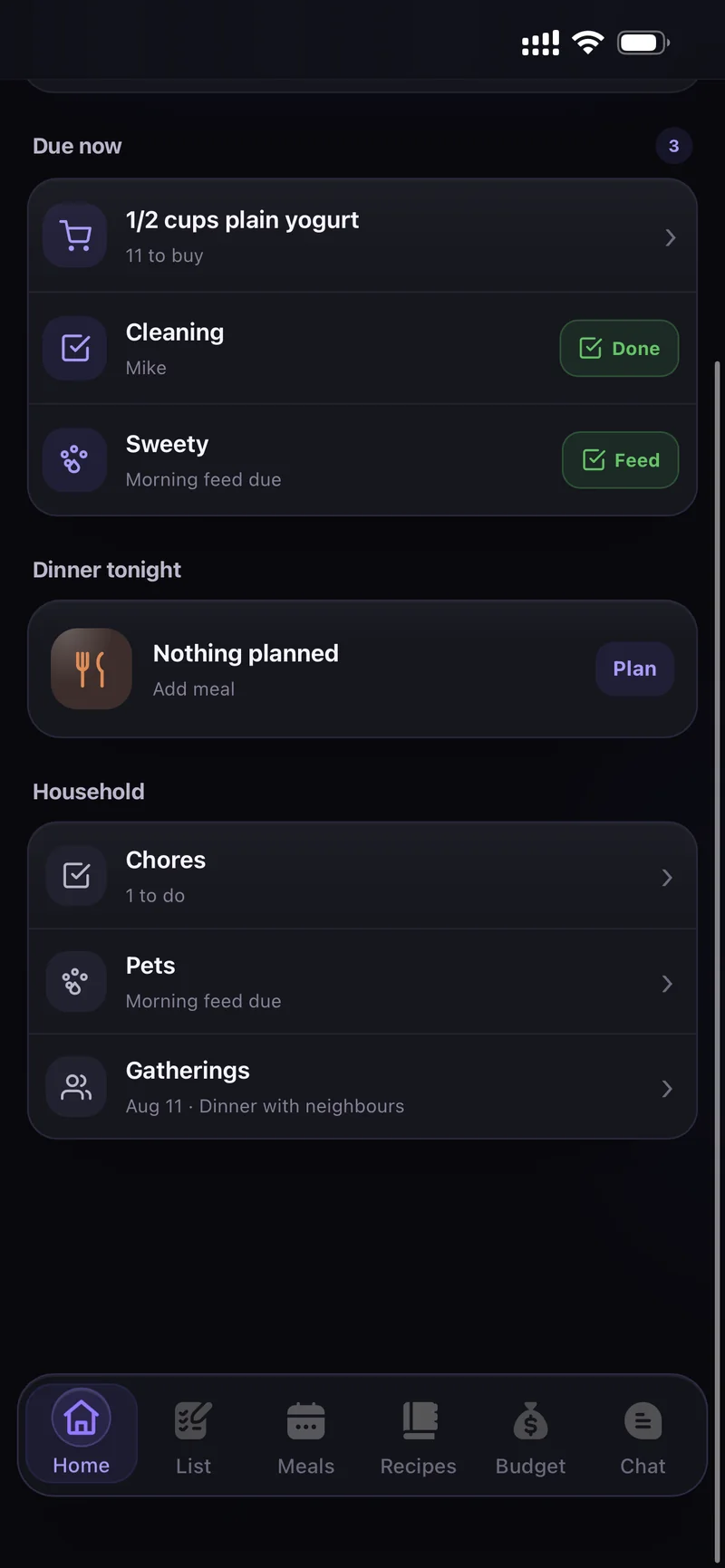
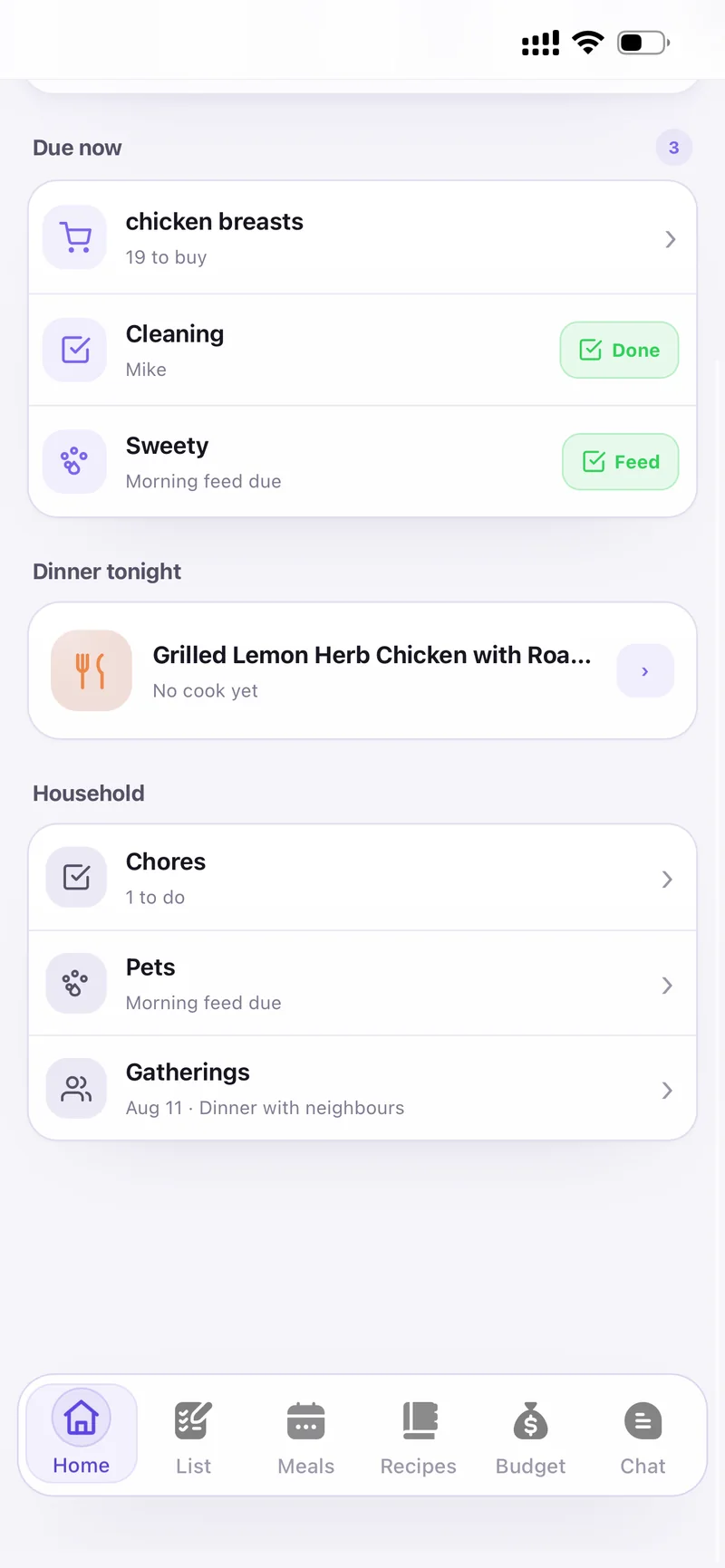
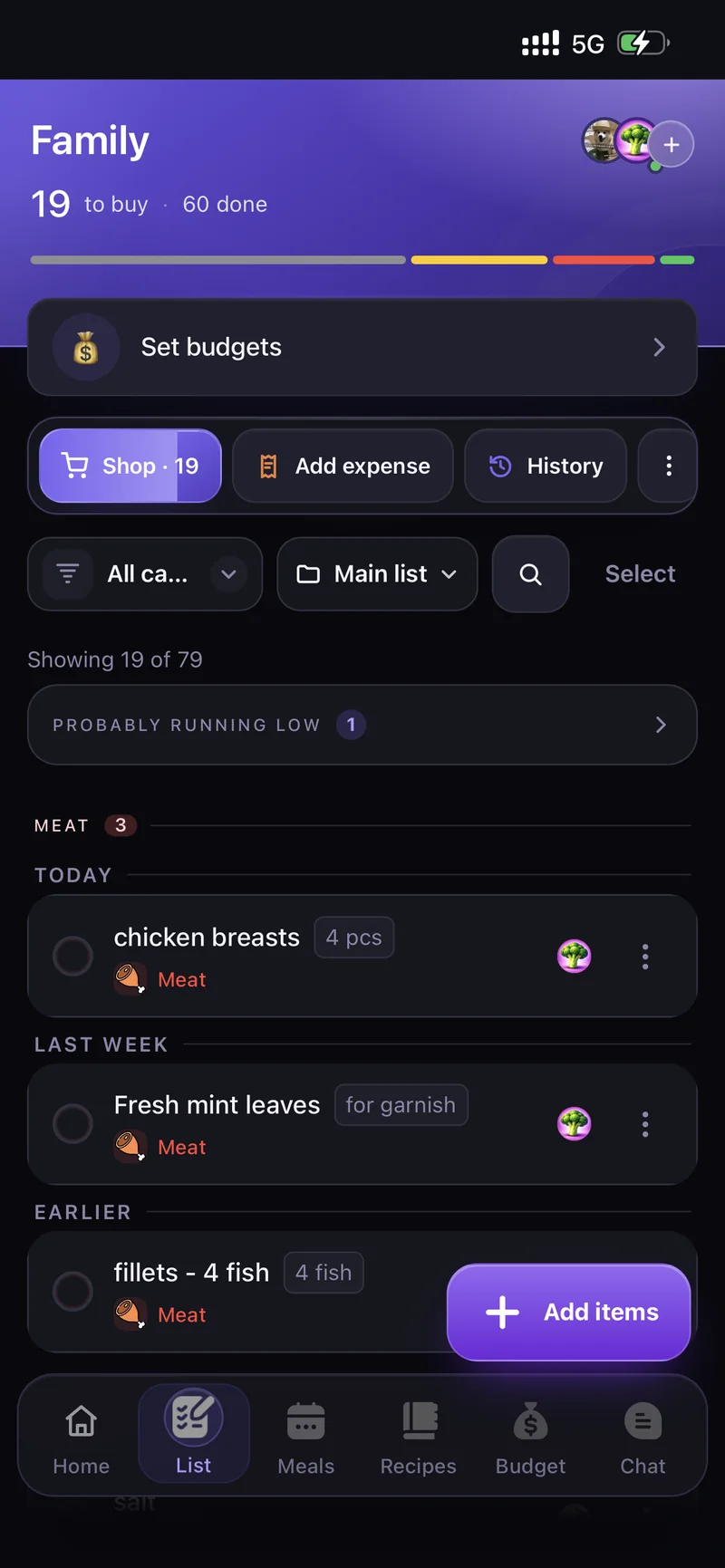
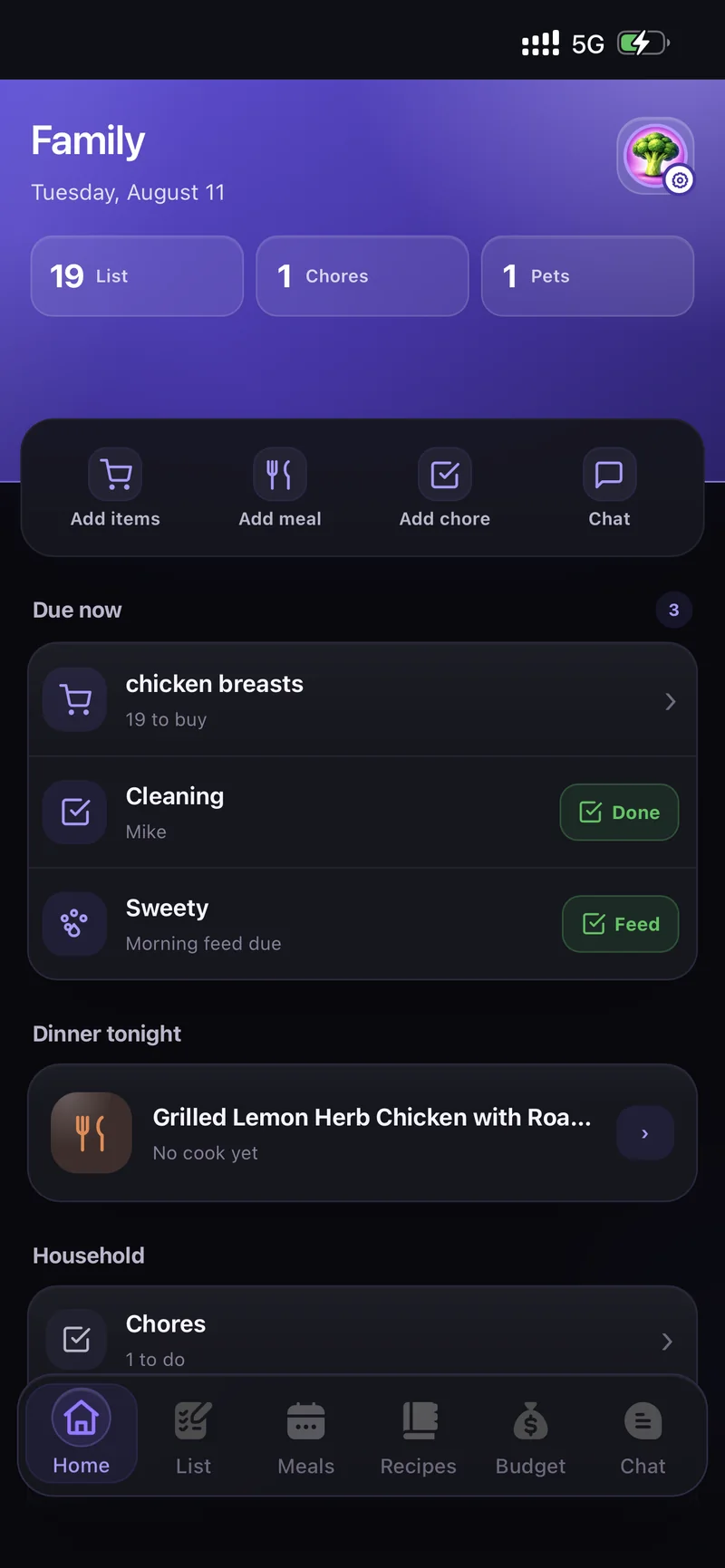
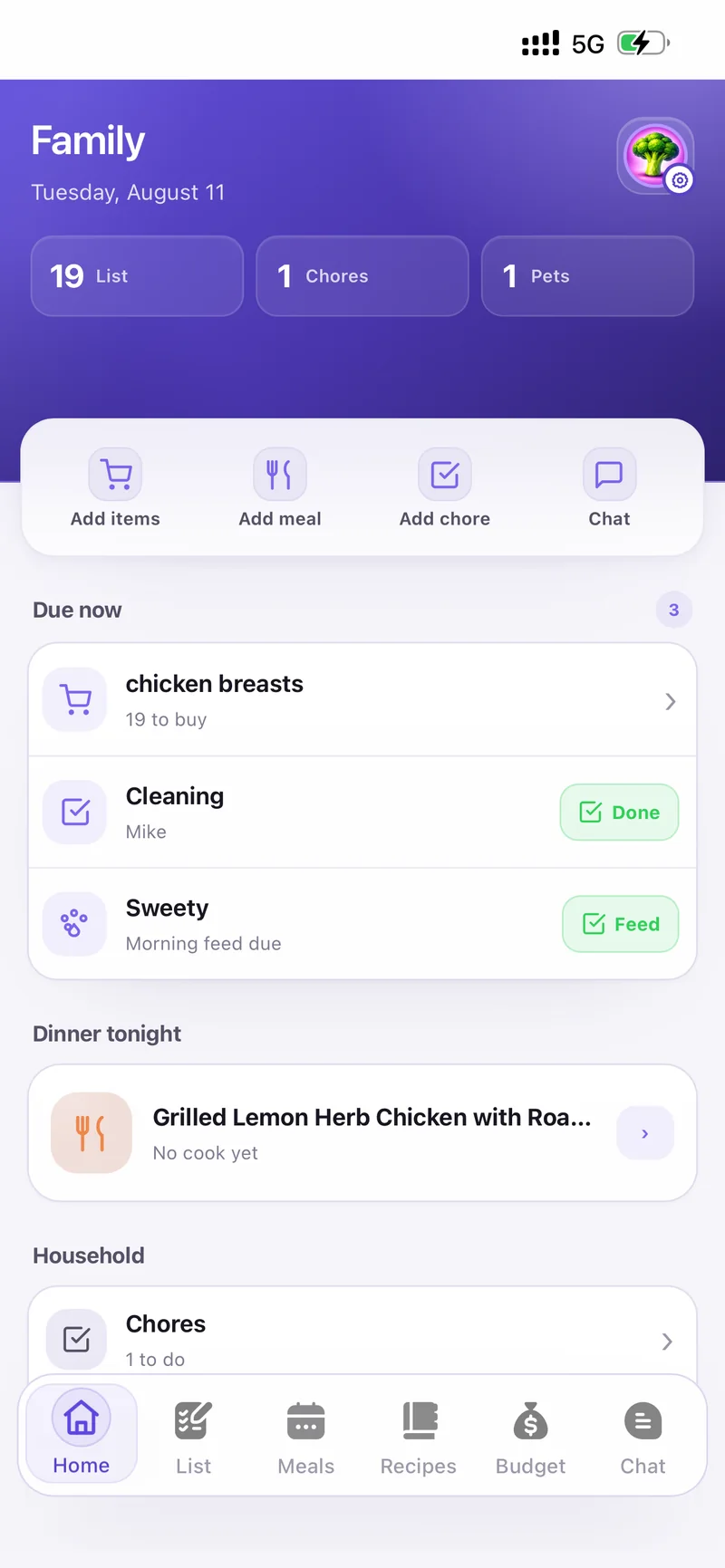
Due now, dinner tonight and the household shortcuts Due now, dinner tonight and the household shortcuts
What's inside

Everything on this page

Jump straight to the part you care about.

Households

Own one home. Join another.

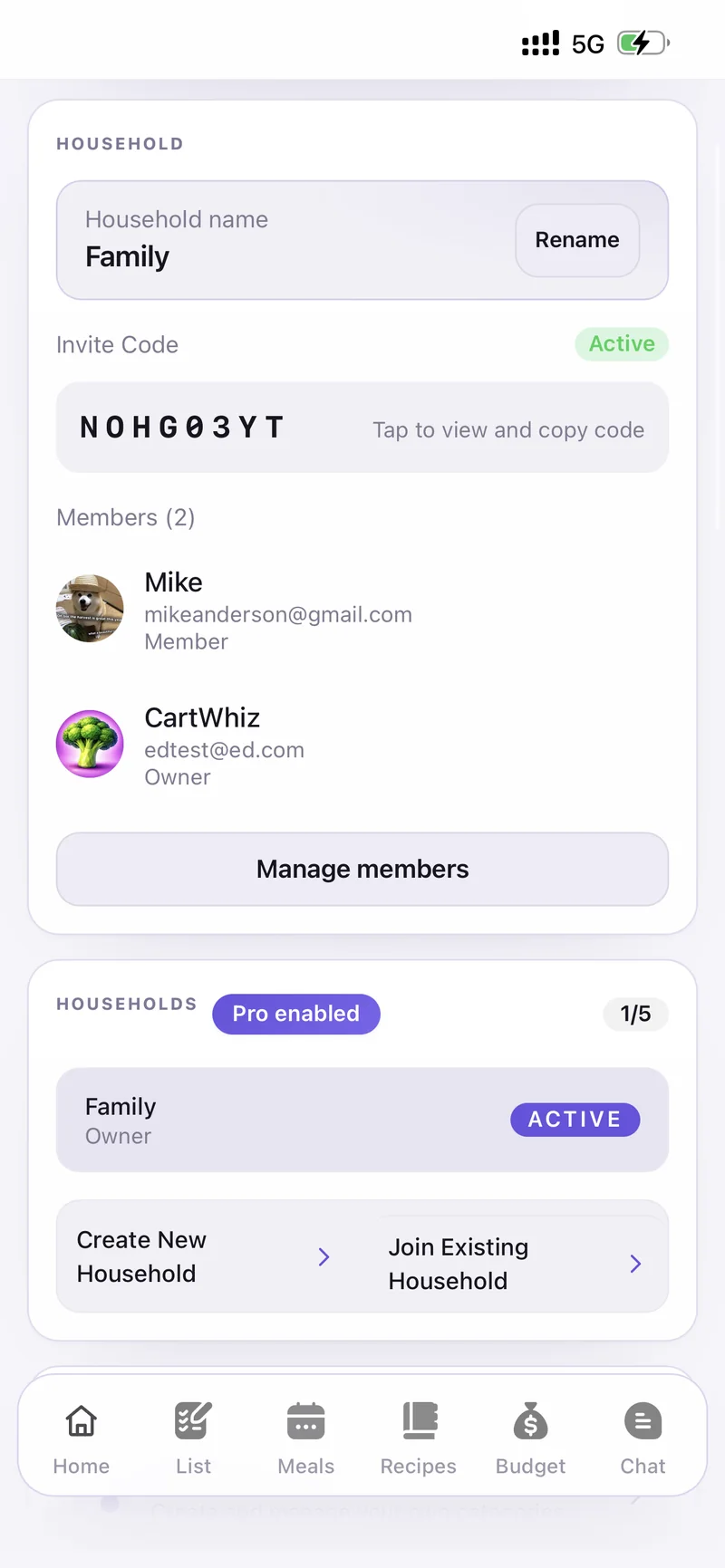
Your family, a shared flat, your parents' place — keep them separate and switch between them in a tap. Everything below lives inside the household you're in.
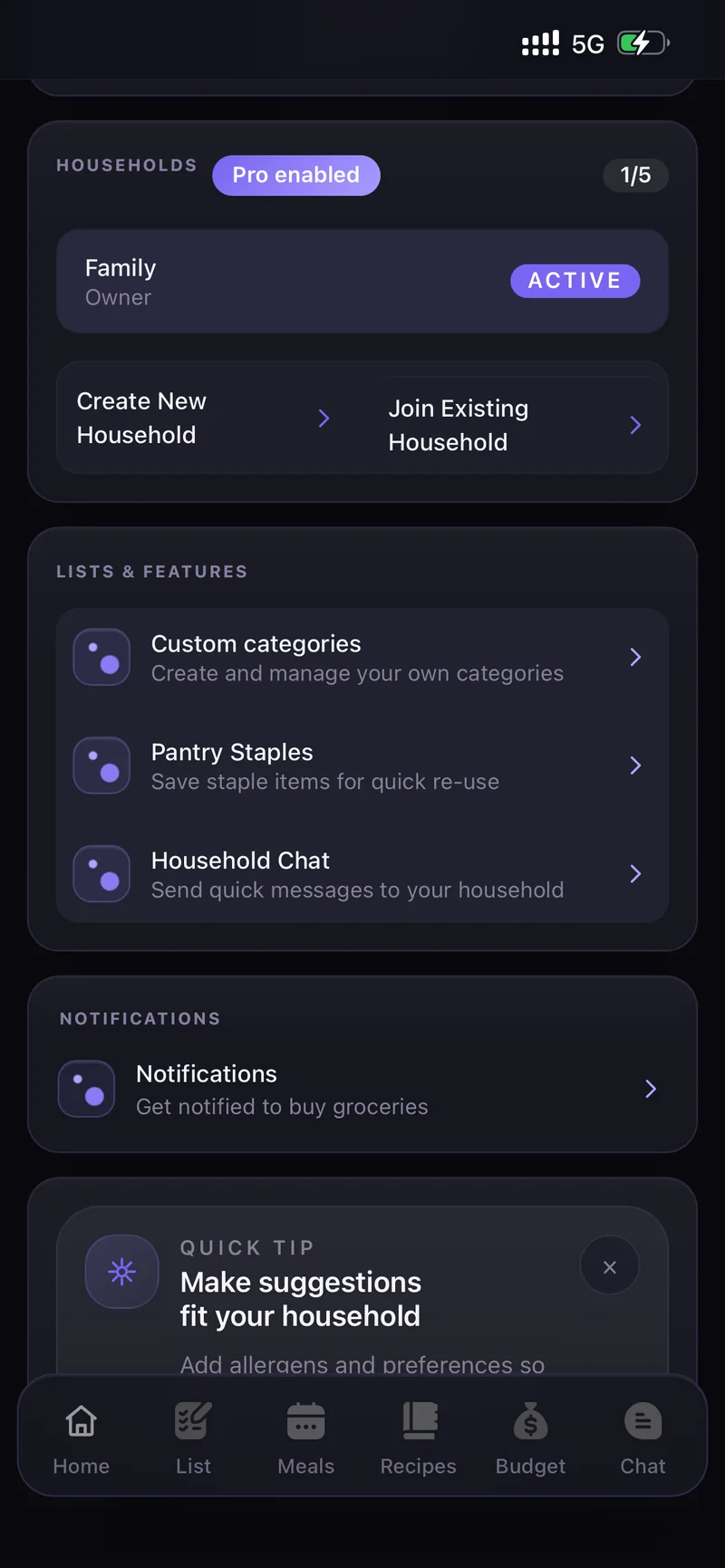
Create New HouseholdUp to 5 households with Pro — each with its own list, budget and chat.
Join Existing HouseholdHop in with a short invite code — no account juggling.
Manage membersSee who's in, who owns it, and what everyone's responsible for.
Households — Family, Owner, Active Households — Family, Owner, Active
Budget

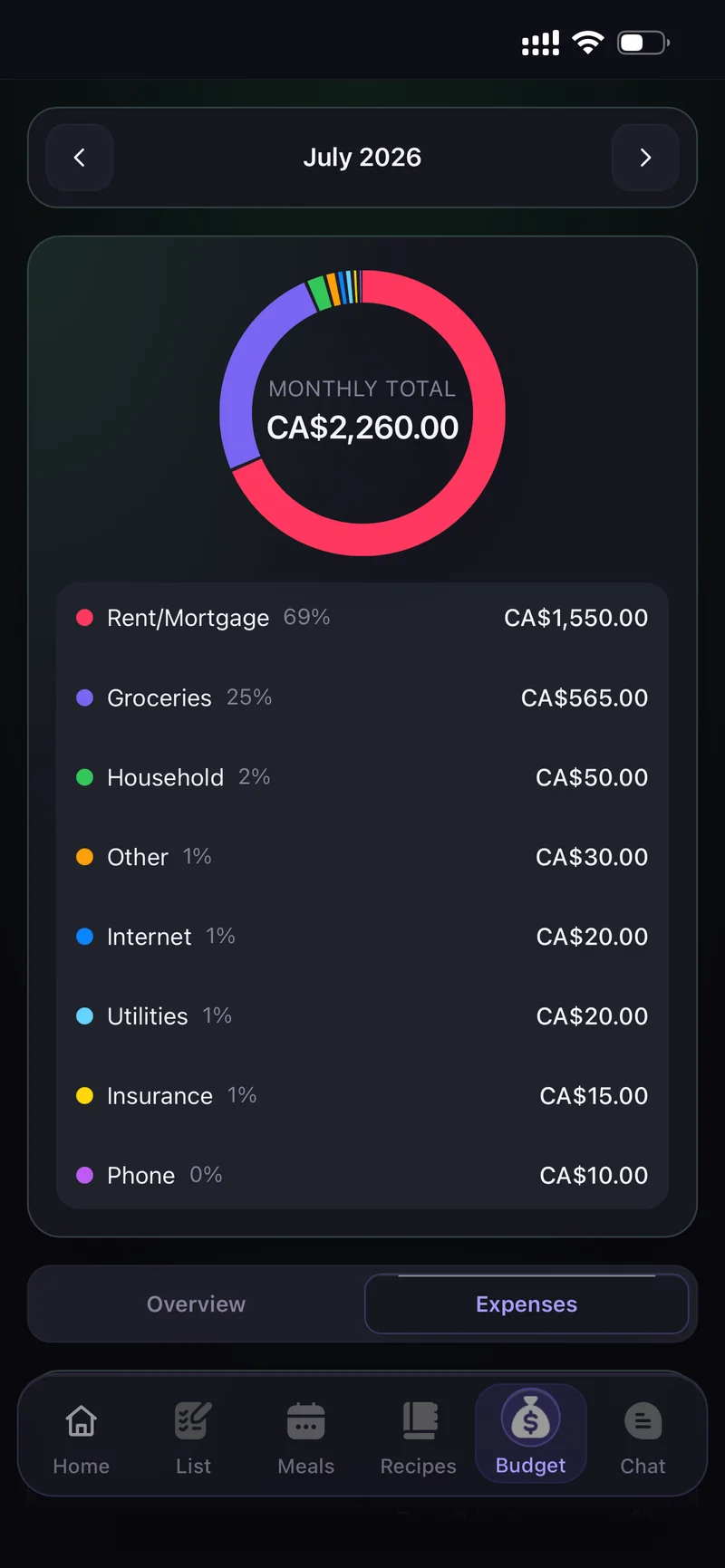
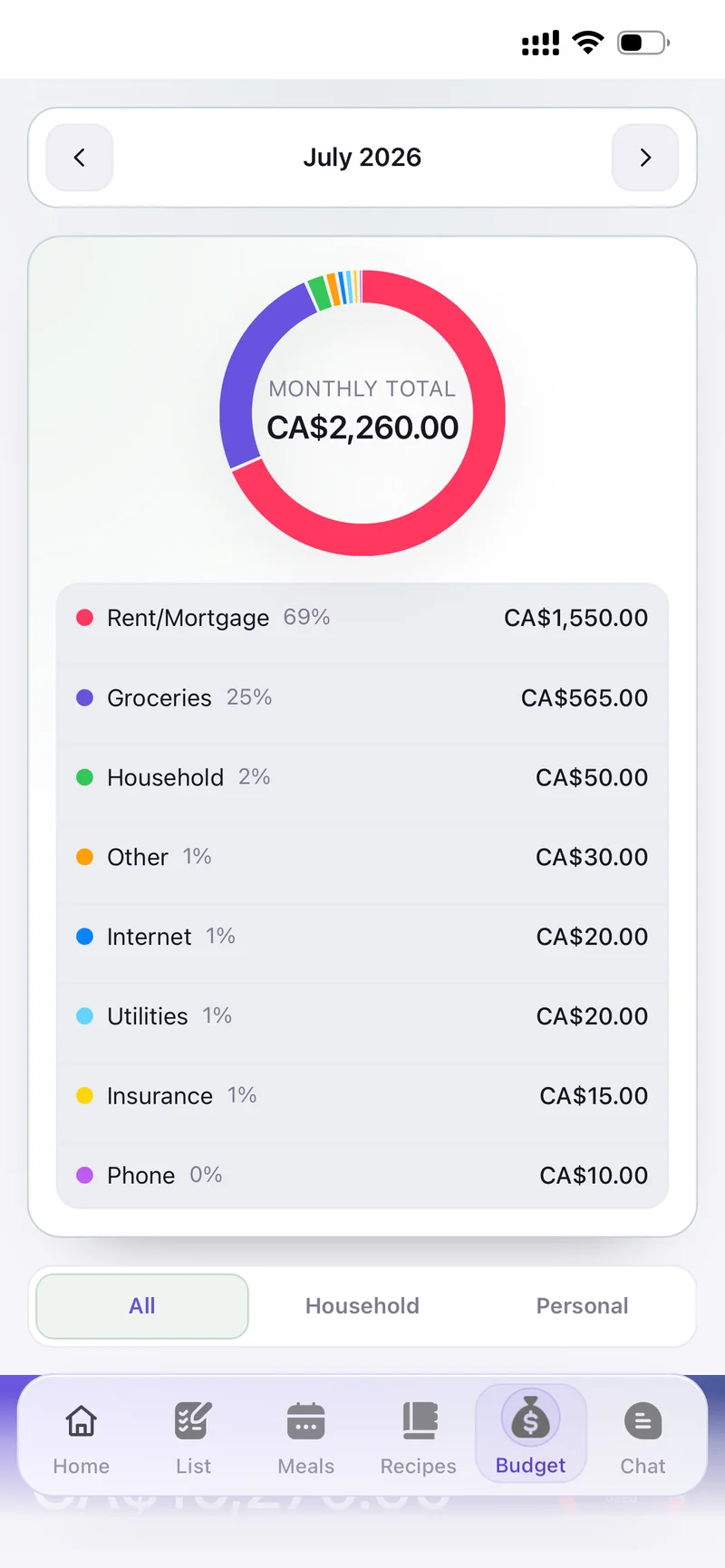
Every category, one monthly total.

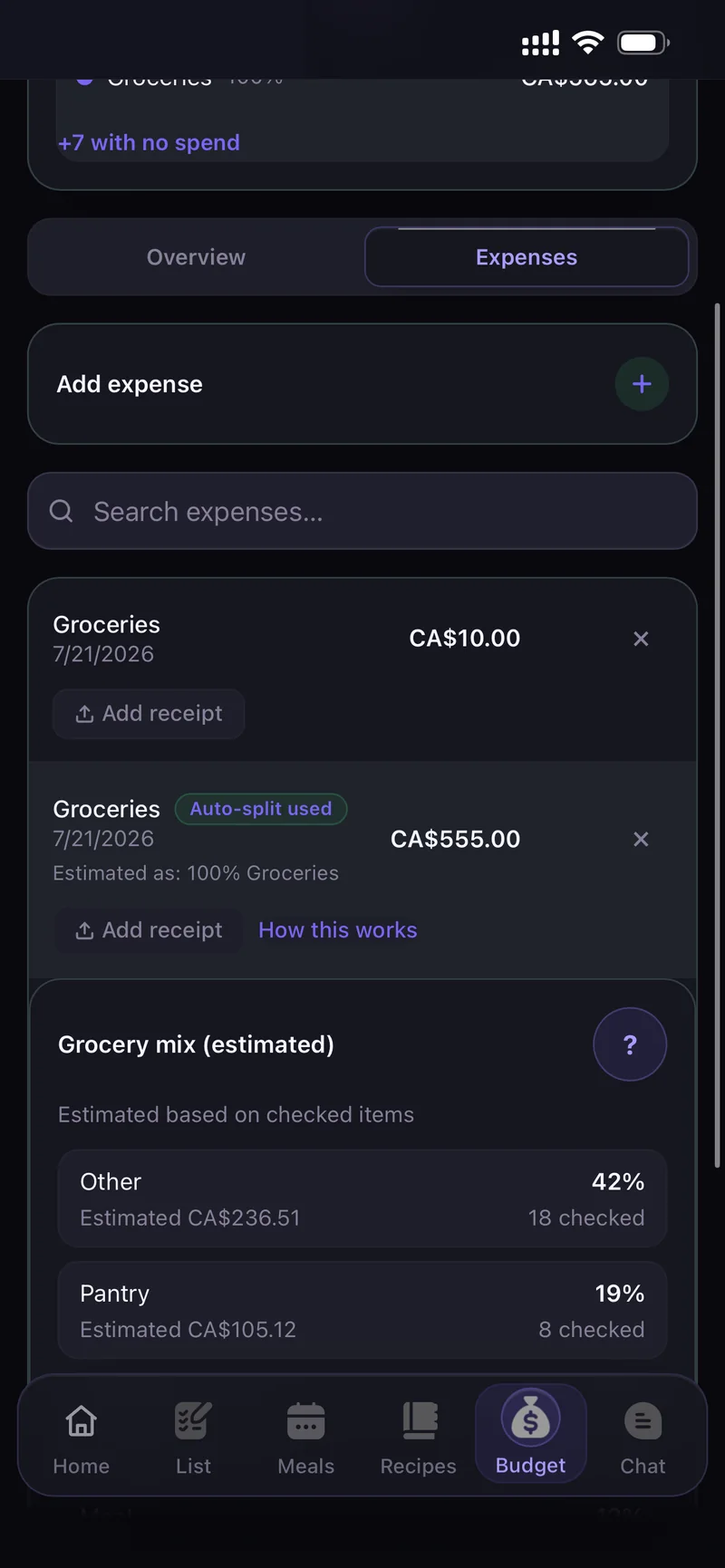
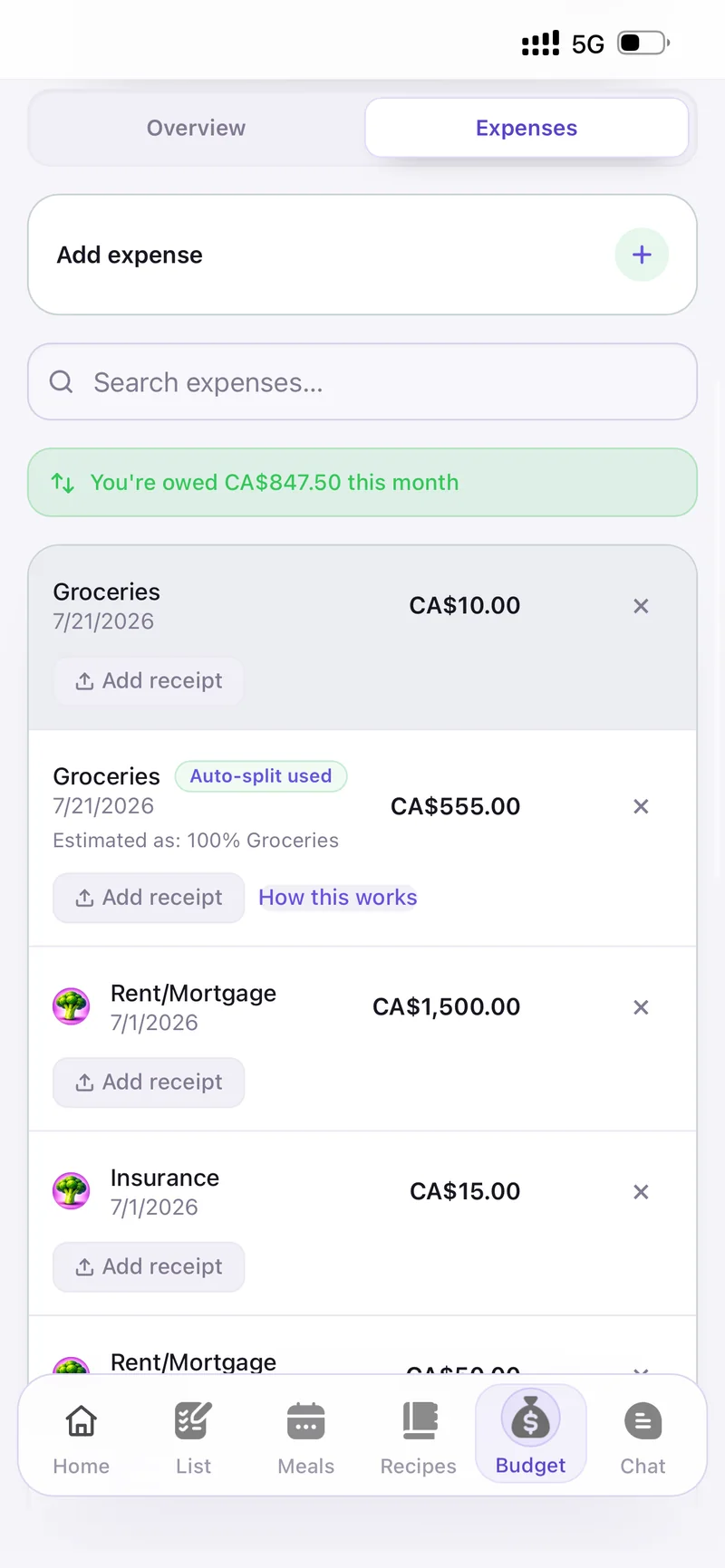
Set monthly limits per category, log what you actually spend, and watch the ring fill up. Everyone in the household sees the same numbers.
Set budgetsMonthly limits for Groceries, Household, Internet, Utilities, Rent/Mortgage and more.
Add expenseLog a purchase in seconds and it lands straight in the right category.
Overview & ExpensesSwitch between the breakdown and the full history whenever you need it.
Monthly budget breakdown Monthly budget breakdown
Expenses Expenses
The whole home

Not just groceries

The shopping list is only the start. Chores, pets and dinner parties live in the same app — so nothing gets forgotten in someone's head.

List

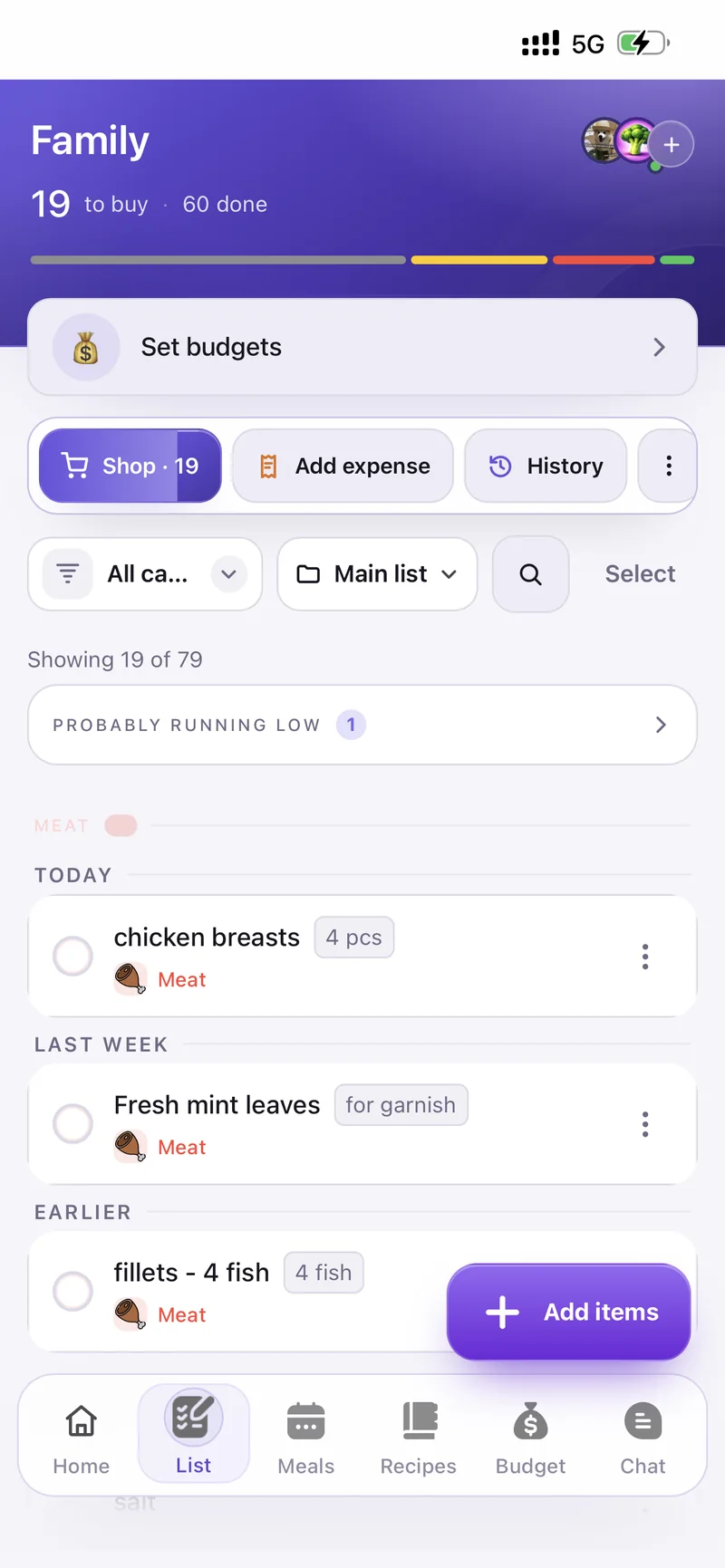
Shared, categorised, real-time. Shop, add expenses, and see what's probably running low.

Chores

Daily, weekly or one-off. Pass to the next person so everyone takes a turn.

Pets

Keep track of feeding and walks together — so nobody feeds the cat twice.

Gatherings

Plan a dinner party: build the menu from your recipes, quantities scale to the headcount.

AI that does the thinking

Plan the week. Or just take a photo.

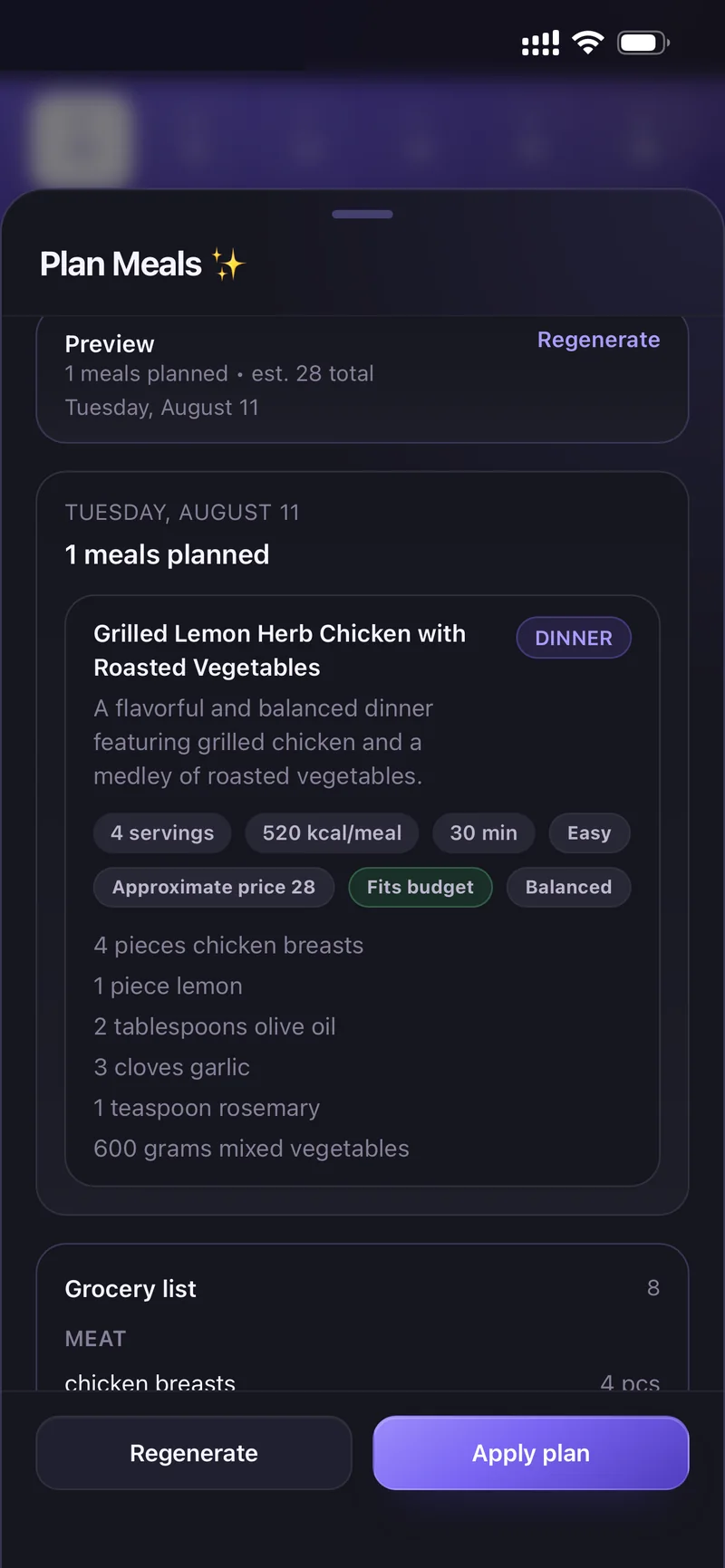
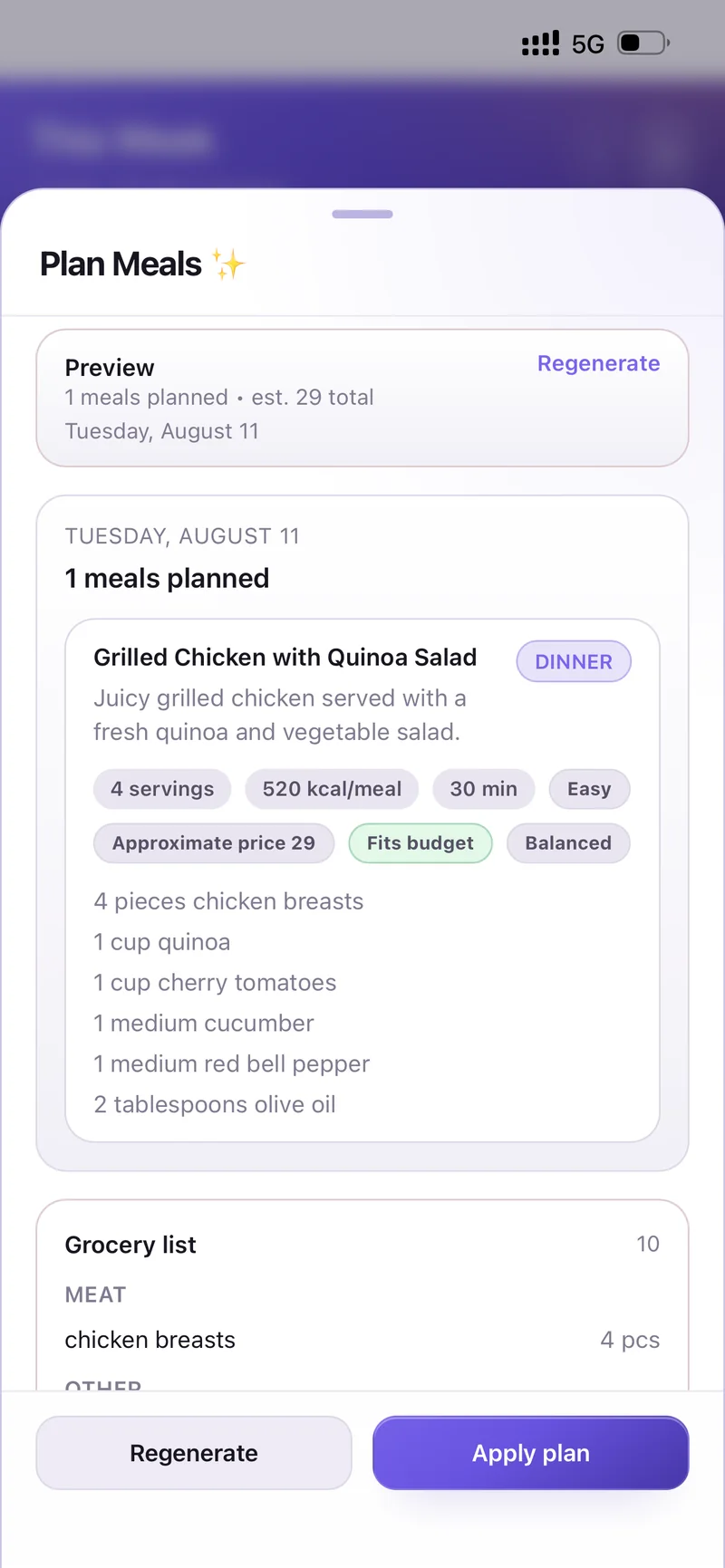
Tell CartWhiz what your household eats and it builds the plan, writes the recipes, and fills the shopping list for you.

Plan Meals ✨

Set the rules once — cost preference, calories, diet, max cooking time, what to leave out — and generate a day or a whole week.
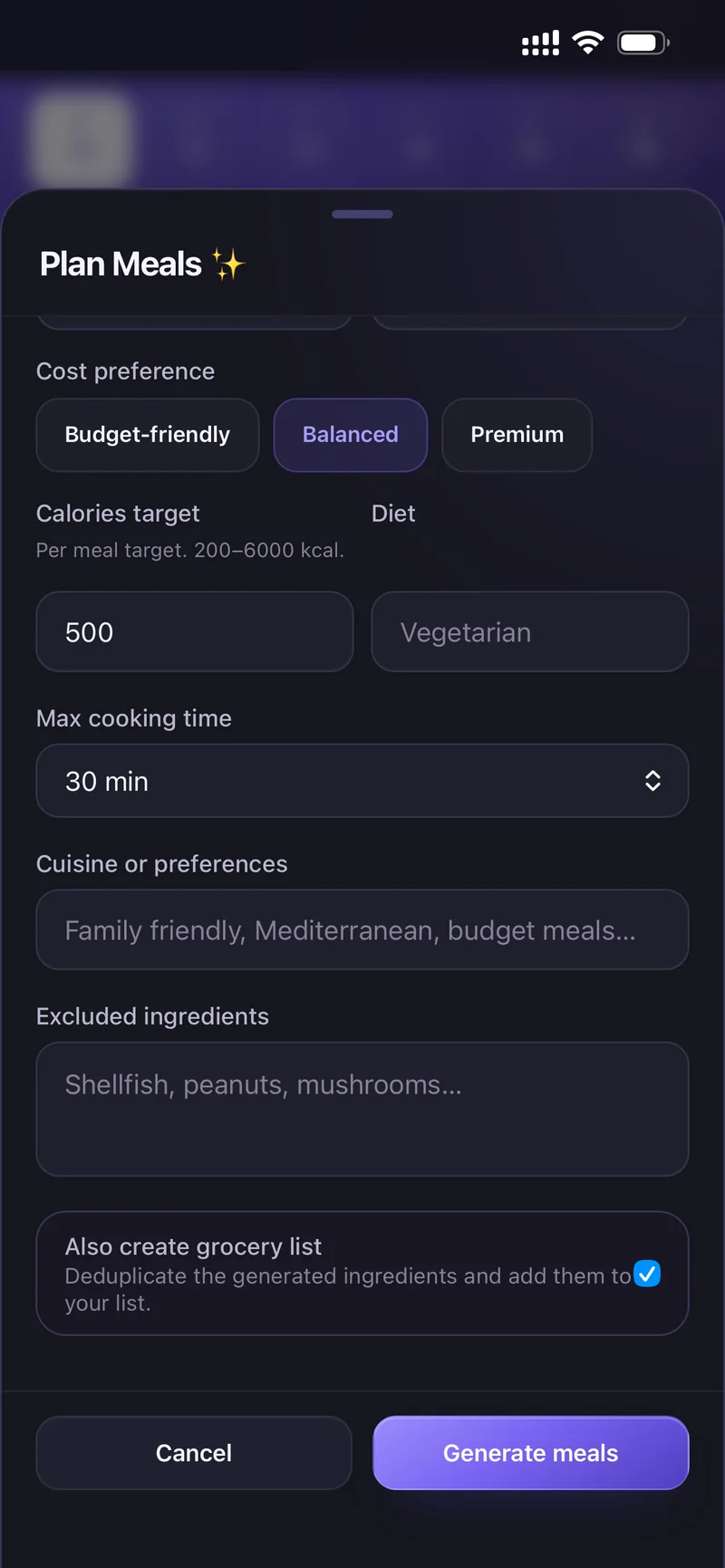
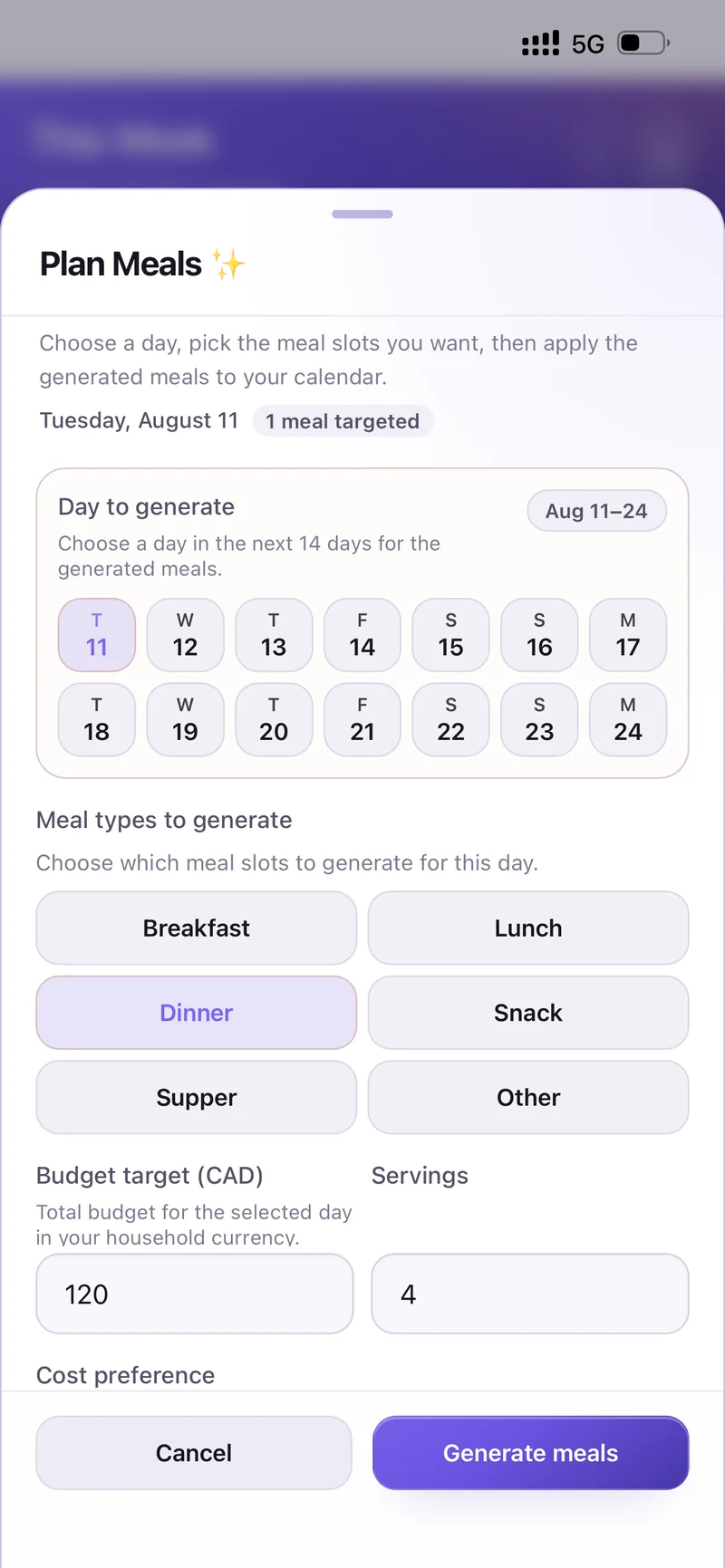
Budget-friendly, Balanced or PremiumPlus a calories target, diet and cuisine preferences.
Excluded ingredientsShellfish, peanuts, mushrooms — your saved allergens are applied automatically.
Also create grocery listDeduplicates the generated ingredients and adds them to your list.
Plan Meals options Plan Meals options
Generated week of meals Generated week of meals

Create from a photo

Photograph a finished dish or just the ingredients on the counter — CartWhiz analyses what it sees and turns it into a complete recipe.
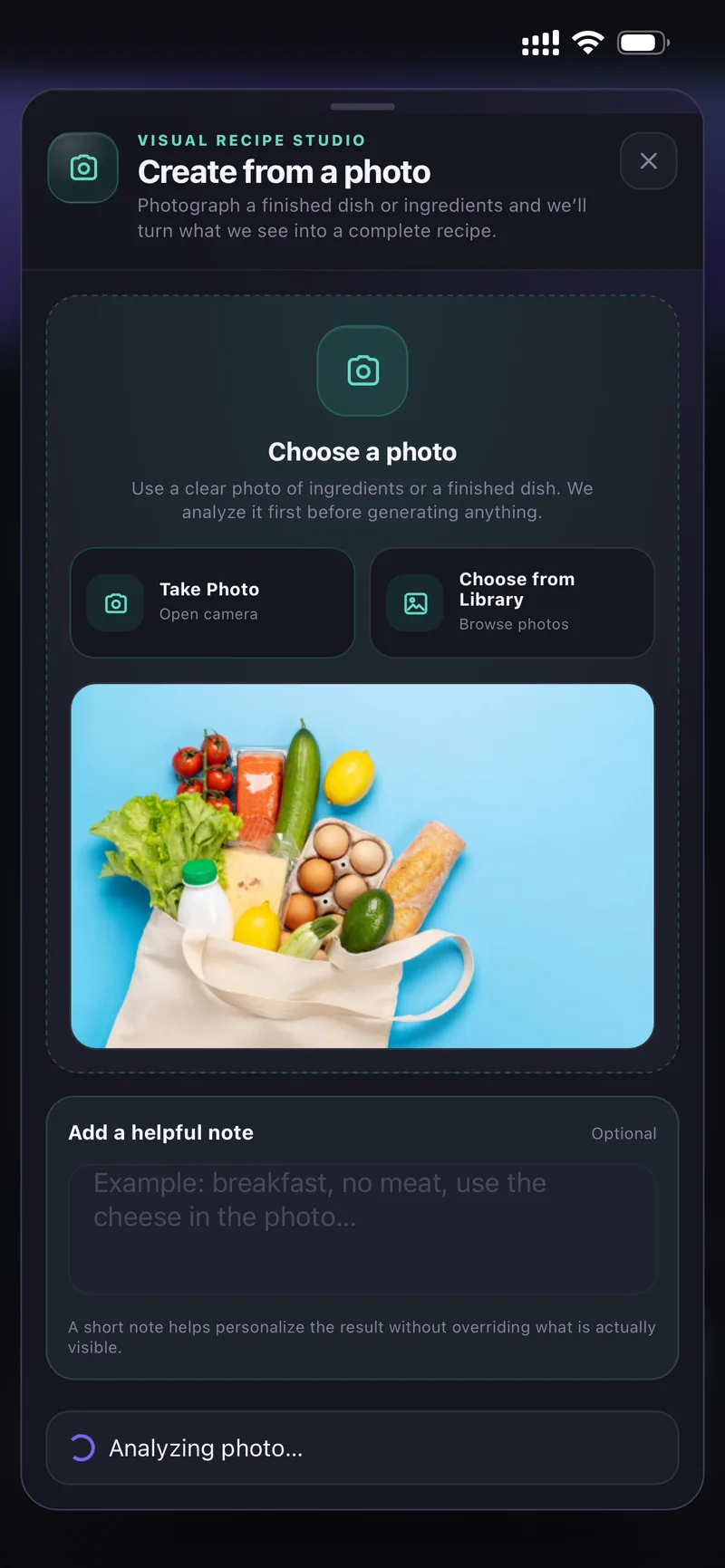
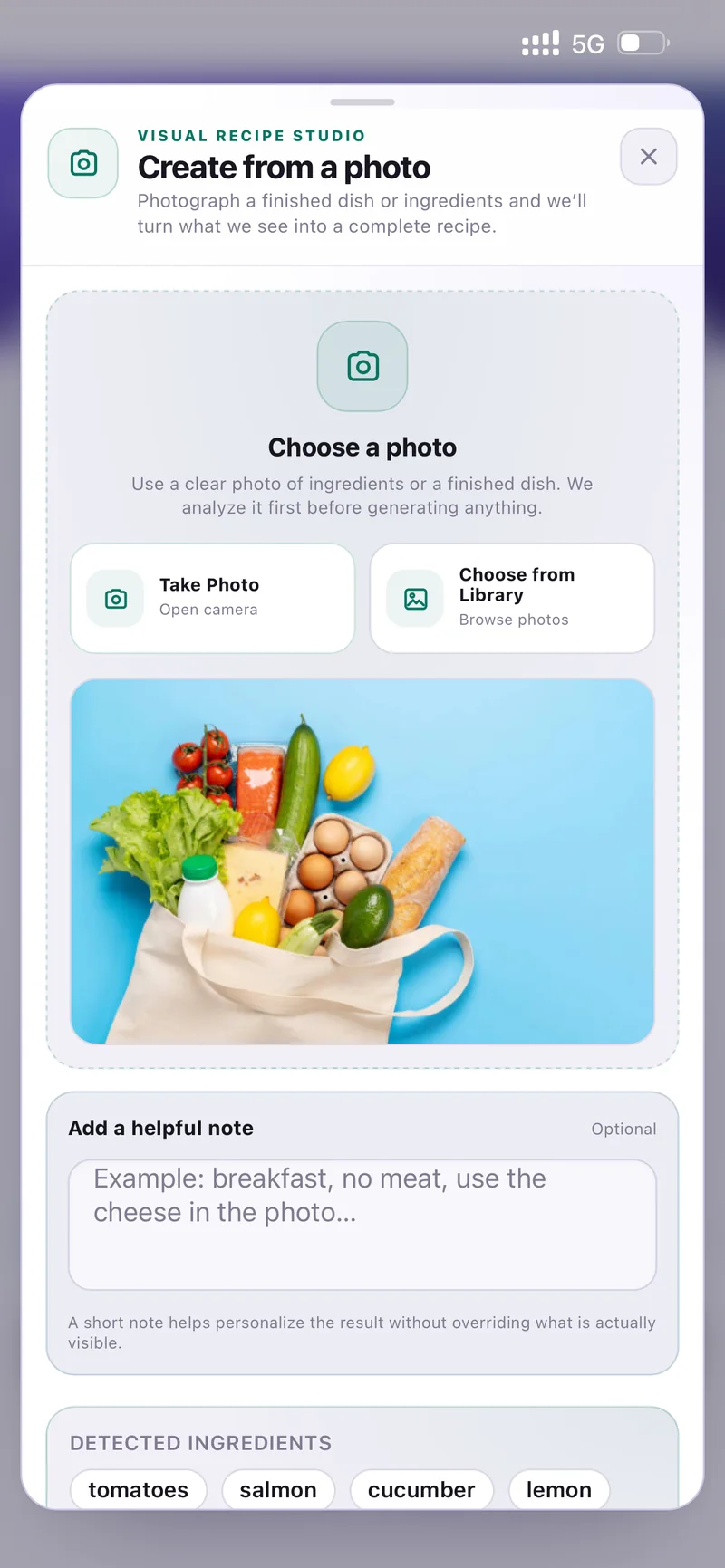
Take Photo or Choose from LibraryA short note helps personalise the result — "breakfast, no meat".
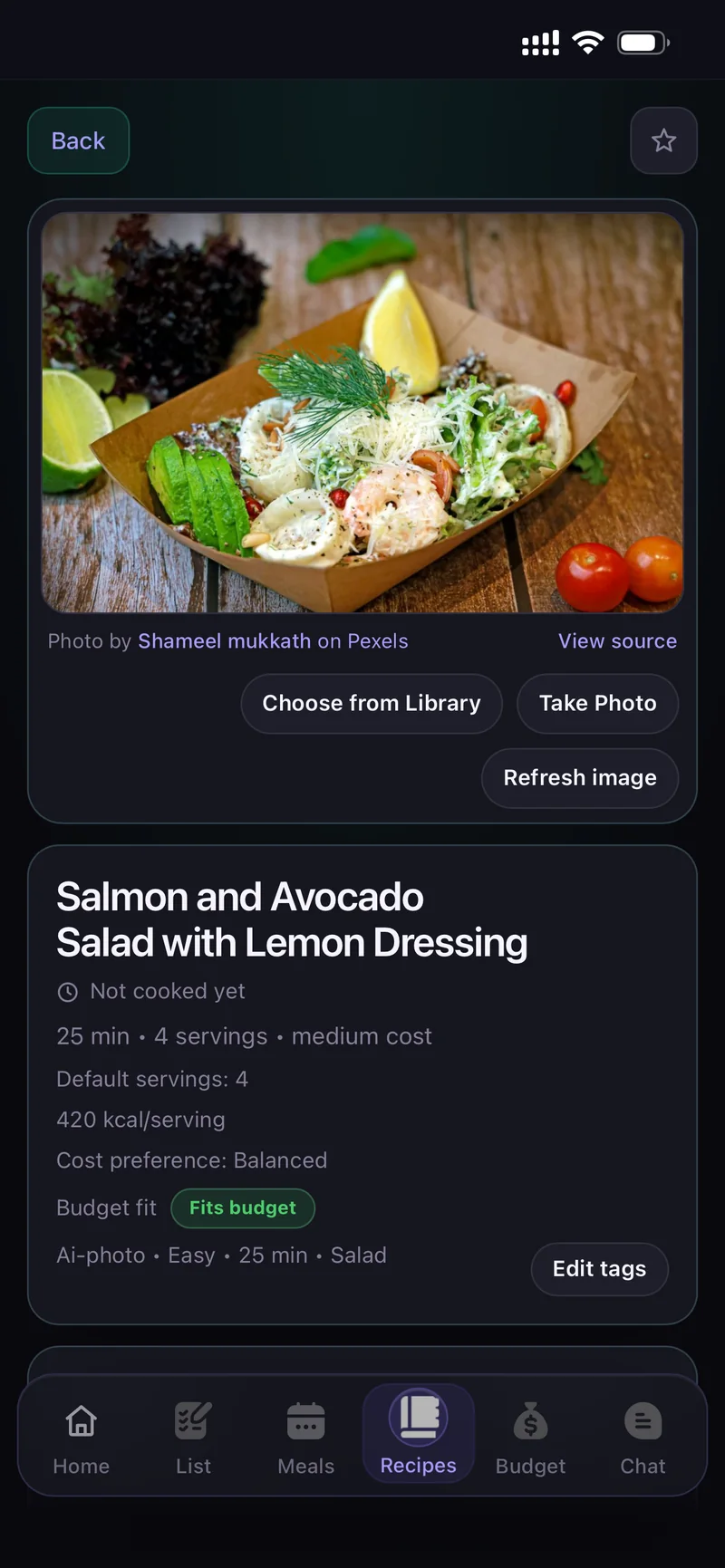
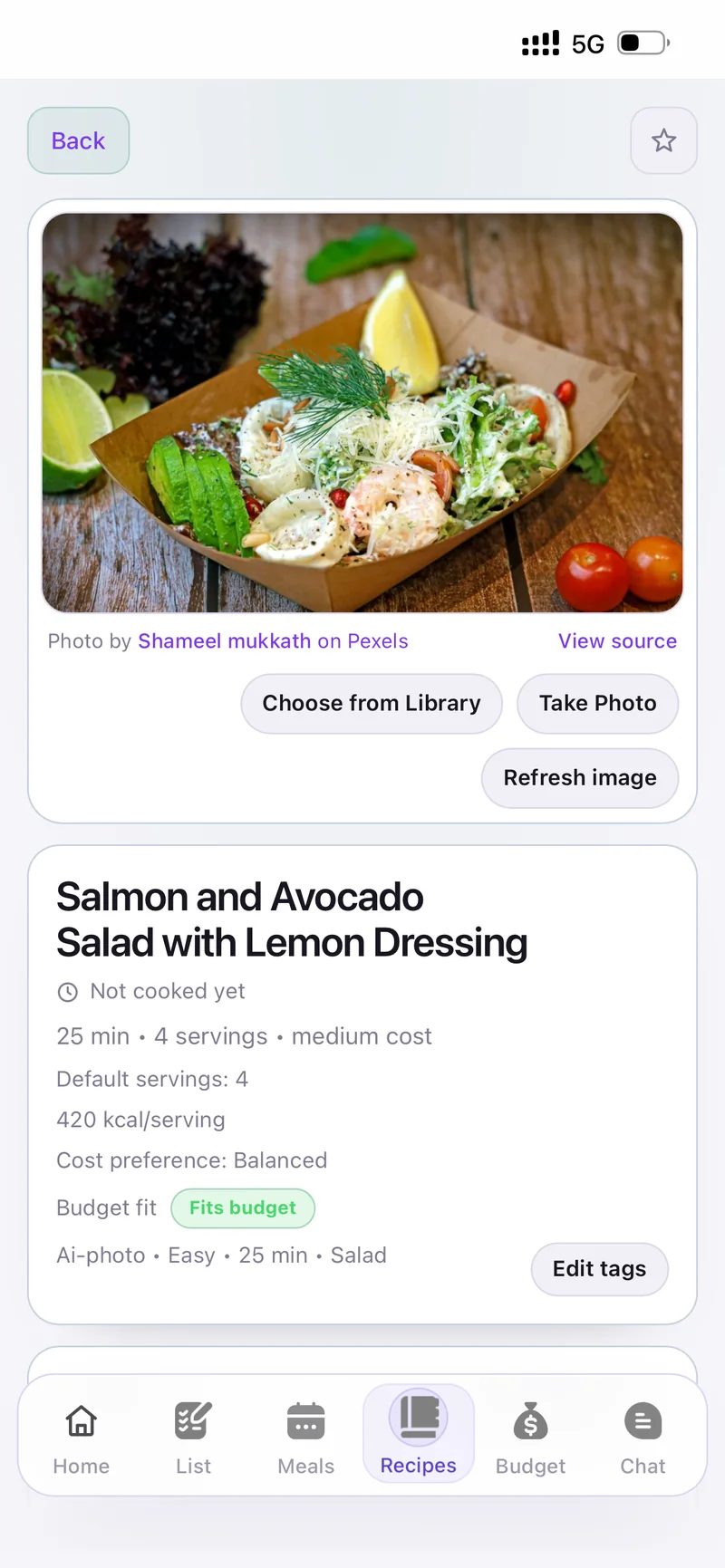
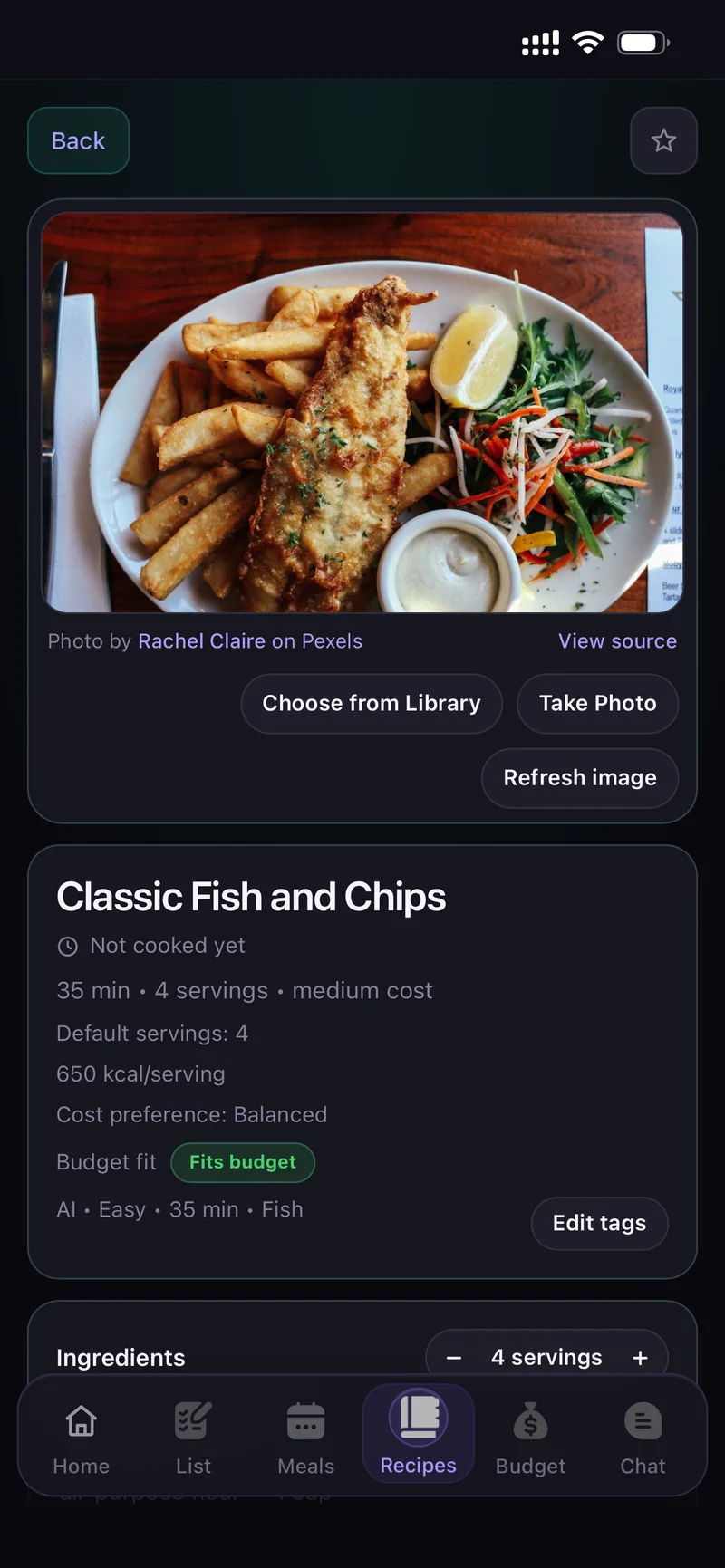
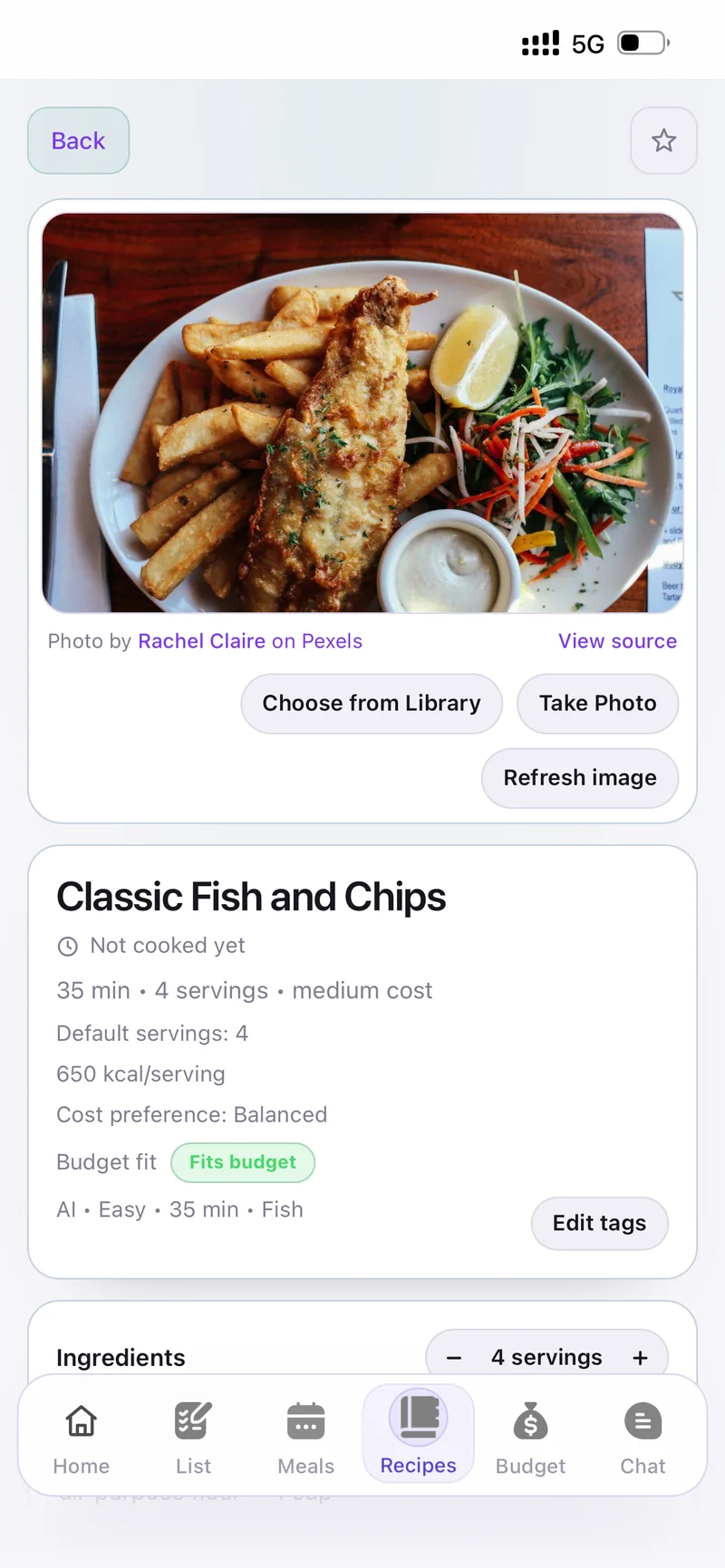
See the dish before you cook itEvery recipe gets a real food photo, so you know what you're aiming for.
AI recipe from a descriptionOr just describe your perfect dish and let it write the whole thing.
Create from a photo Create from a photo
Generated recipe with photo Generated recipe with photo
Cook mode

Hands busy? The screen keeps up.

Open any recipe in cook mode and follow it step by step in big text — with the screen kept awake and a timer built into the step you're on.
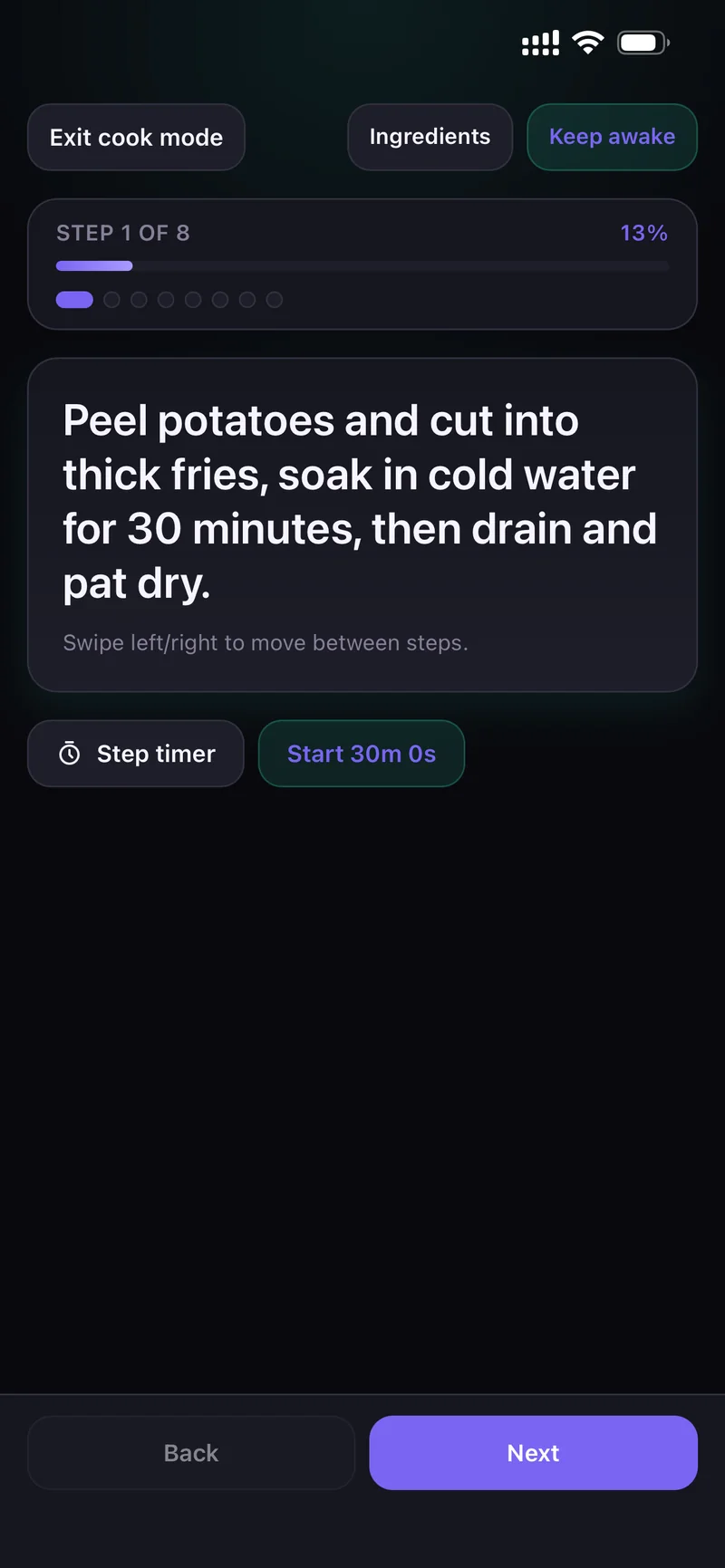
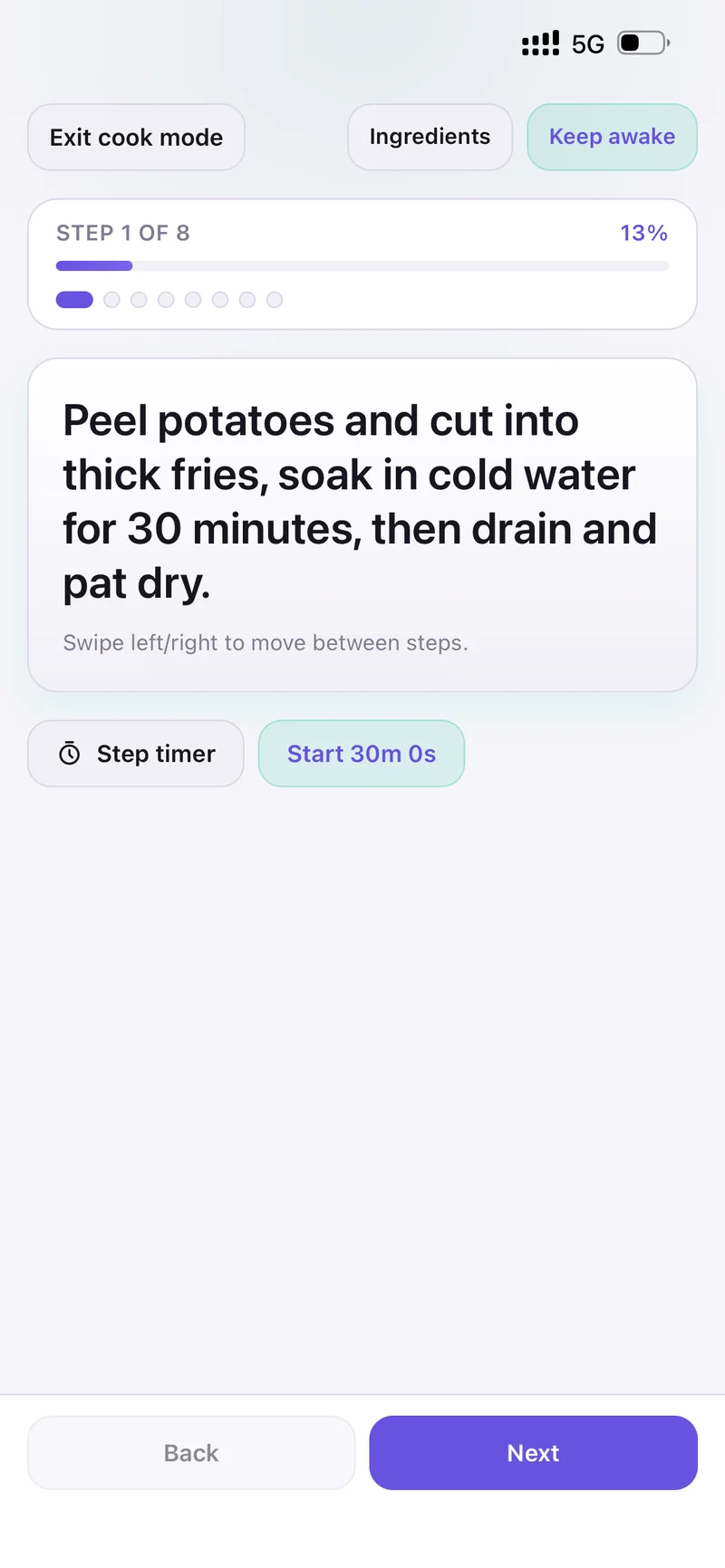
Step 1 of 8Swipe left and right to move between steps — progress stays visible.
Step timerStart the timer for the step you're on without leaving the recipe.
Keep awakeThe screen stays on while you cook. Ingredients are one tap away.
Cook mode Cook mode
Recipe with a real food photo Recipe with a real food photo
Household Chat

Stop scattering it across three group chats.

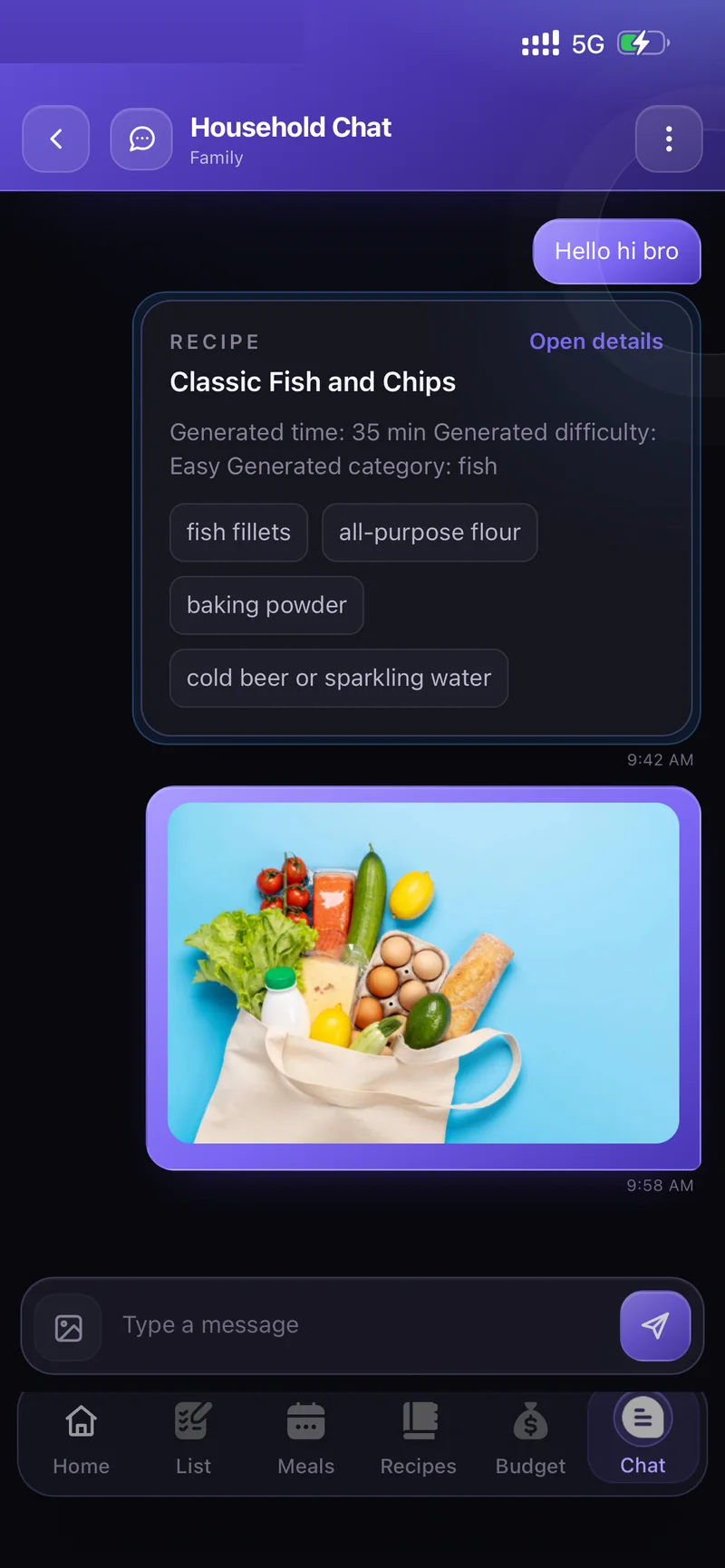
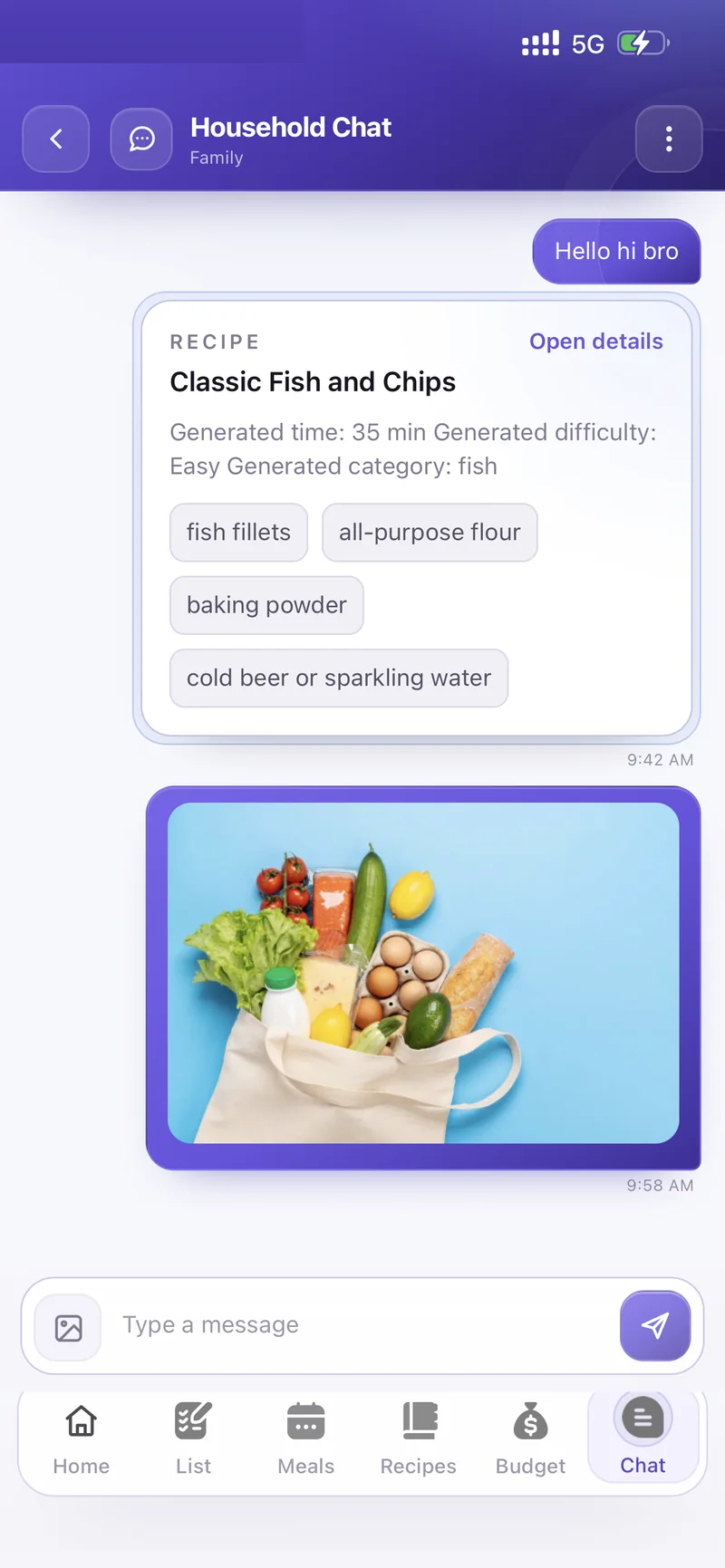
Talk to your household where the planning already lives. Share a recipe and it arrives as a card everyone can open — send a photo of the shelf instead of describing it.

Share a recipeIt shows up with time, difficulty and ingredients — plus "Open details".
Send photosSnap what's in the fridge or on the shelf and settle it in one message.
Household Chat Household Chat
Notifications

Told exactly what you want to be told.

Nine separate switches, not one blunt on/off. Turn on what matters to your household and mute the rest.
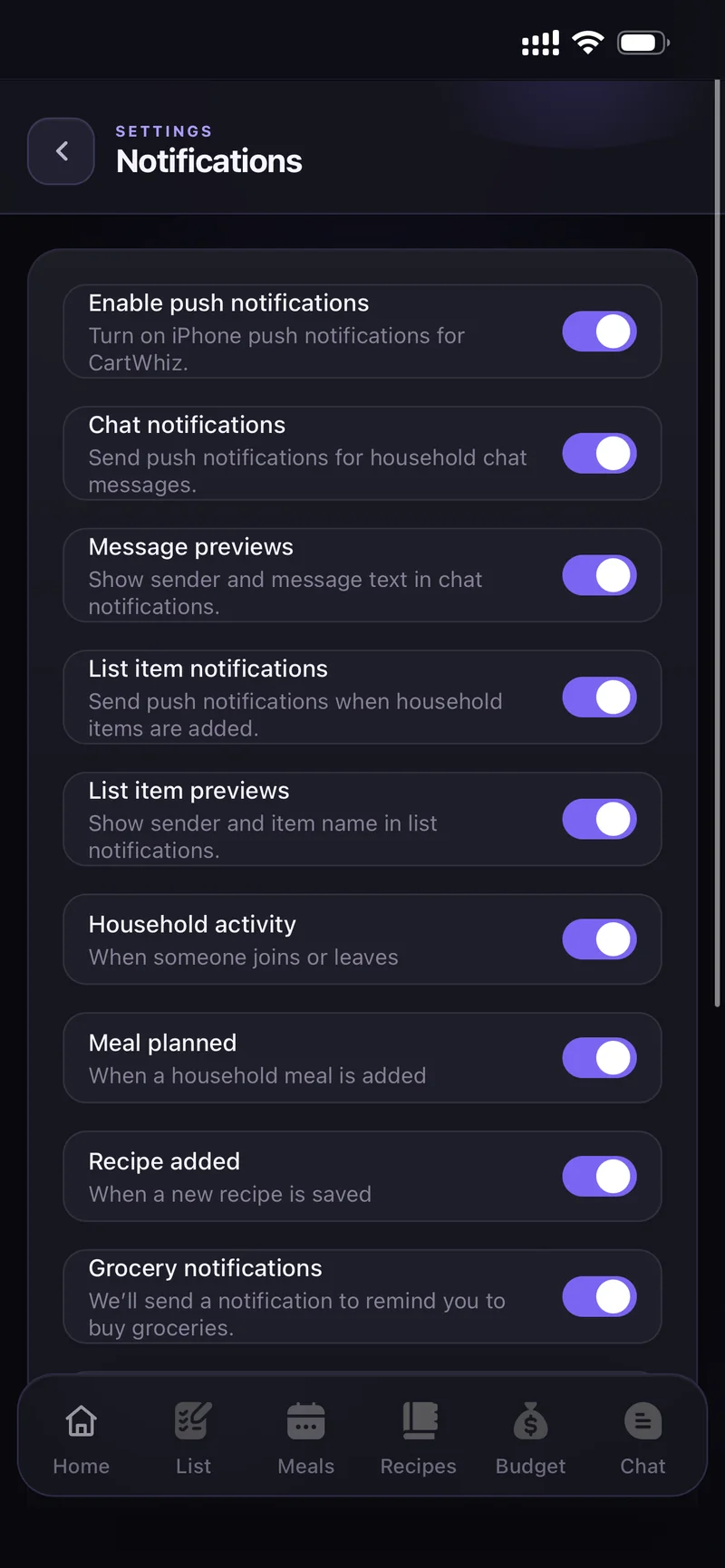
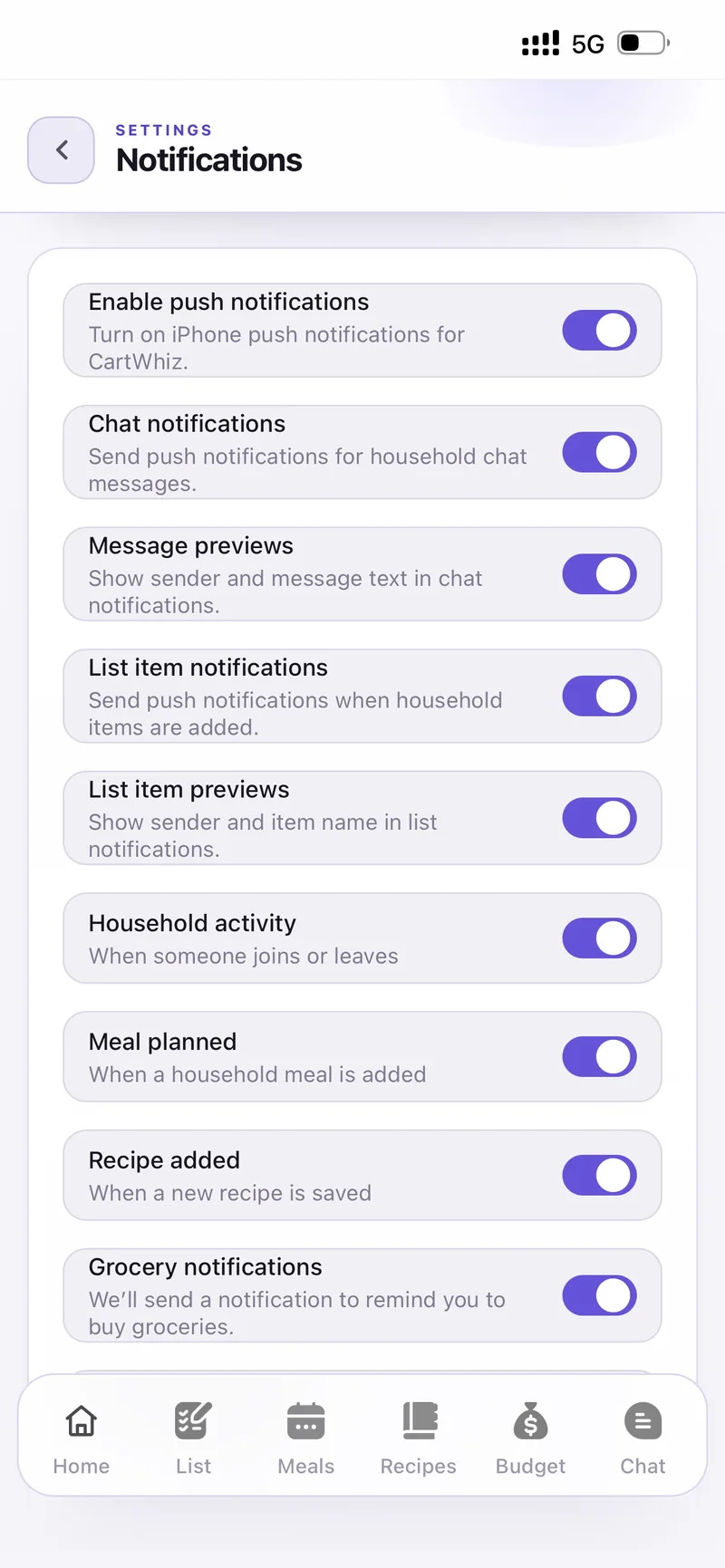
Per-event controlChat messages, list items, household activity, meal planned, recipe added.
When to notifyPick the days and the time for your grocery reminder — daily or weekly.
Message previewsShow the sender and the text — or keep it private on the lock screen.
Notification settings Notification settings
Pro

Buy it once. Keep the AI.

Everything that saves you an evening a week — the meal planner, the recipe studio, more households — without a monthly bill.

Free

The whole planner for one household.

  • One household
  • Shared grocery list & categories
  • Chores, pets and gatherings
  • Monthly budget and expenses
  • Household Chat
Start free
Pro PRO

One-time purchase — every AI feature, unlocked.

  • Plan Meals ✨ — a day or a full week, to your rules
  • AI recipe — describe your perfect dish
  • Create from a photo — the visual recipe studio
  • Up to 5 households to own or join
  • Auto-plan, templates and auto grocery lists
  • No subscription — pay once, keep it

One app for everything
your home runs on.

Join the beta and set your household up this week.

iOS · Free to start · Pro is a one-time purchase